


Leaderboard
-

happypalms
IPS MEMBER19Points13,447Posts -


DoomsDave
IPS MEMBER15Points34,657Posts -

Alberto
IPS MEMBER11Points4,509Posts -

richnorm
IPS MEMBER8Points2,975Posts
Popular Content
Showing content with the highest reputation on 10/21/2024 in all areas
-
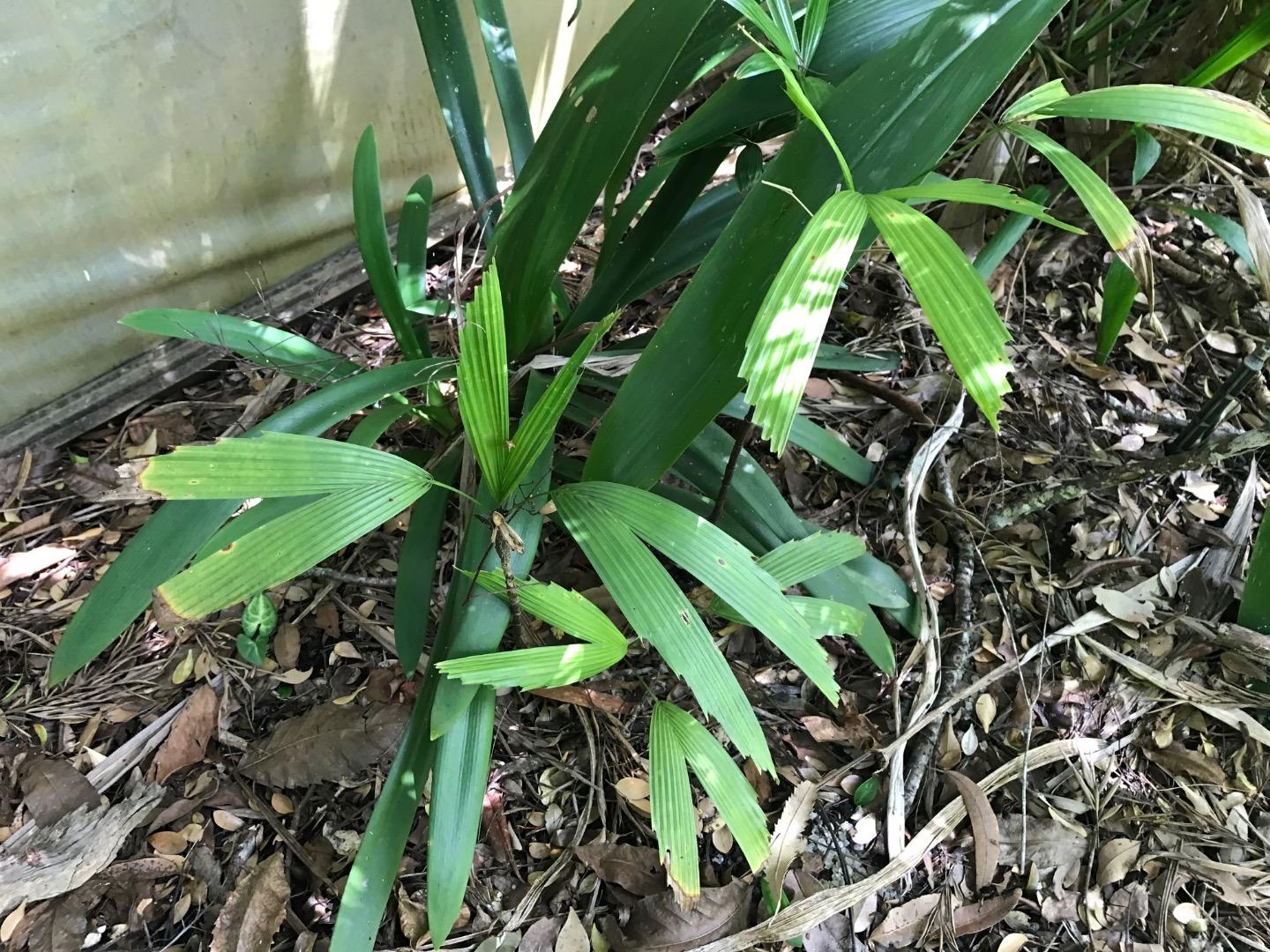
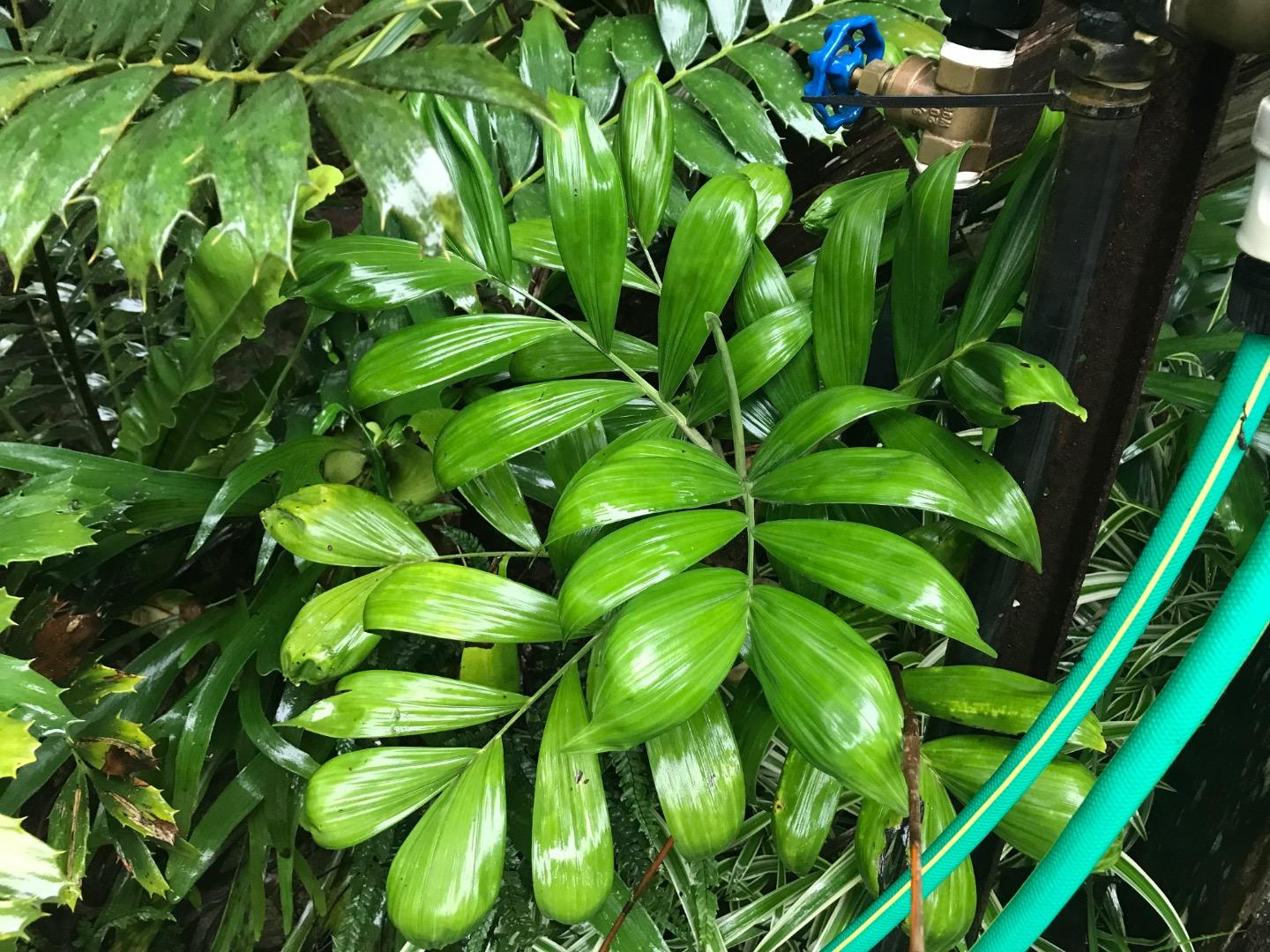
Try Prestoea acuminata. Amazing palm that really should be grown more in cool areas.
 7 points
 -
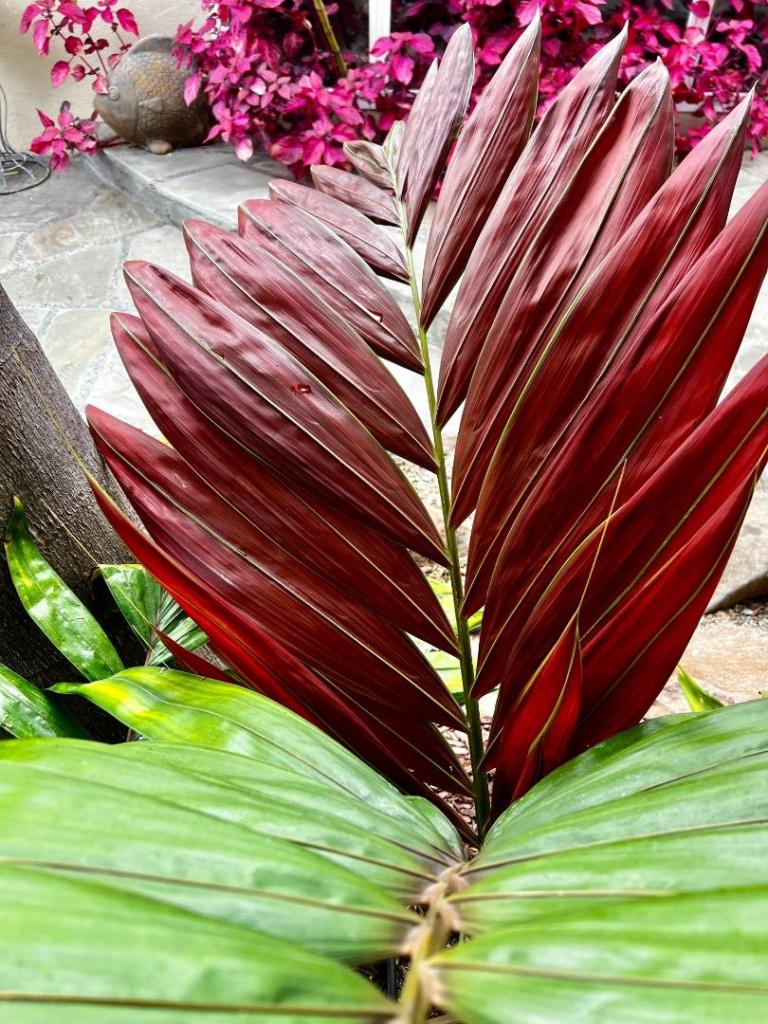
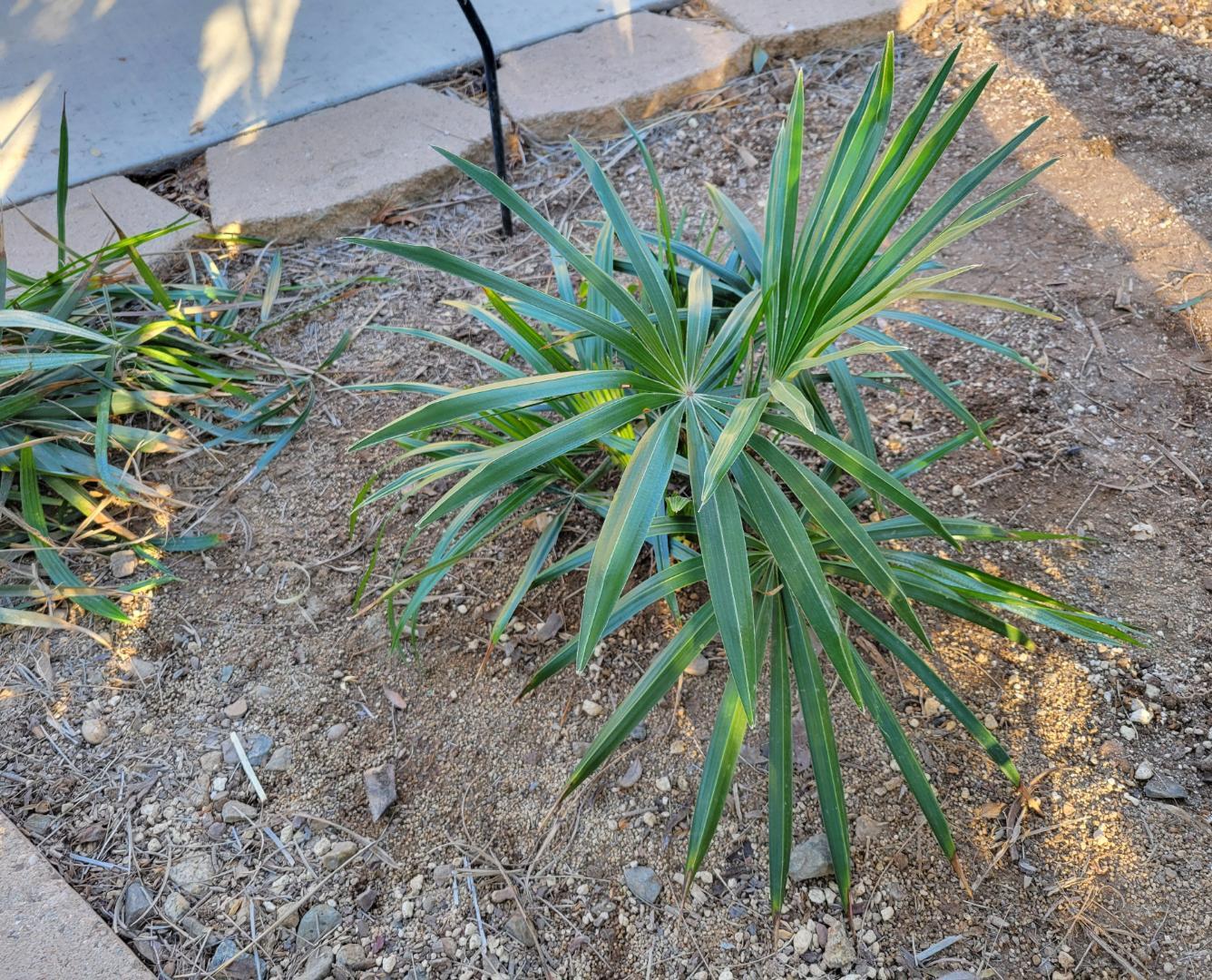
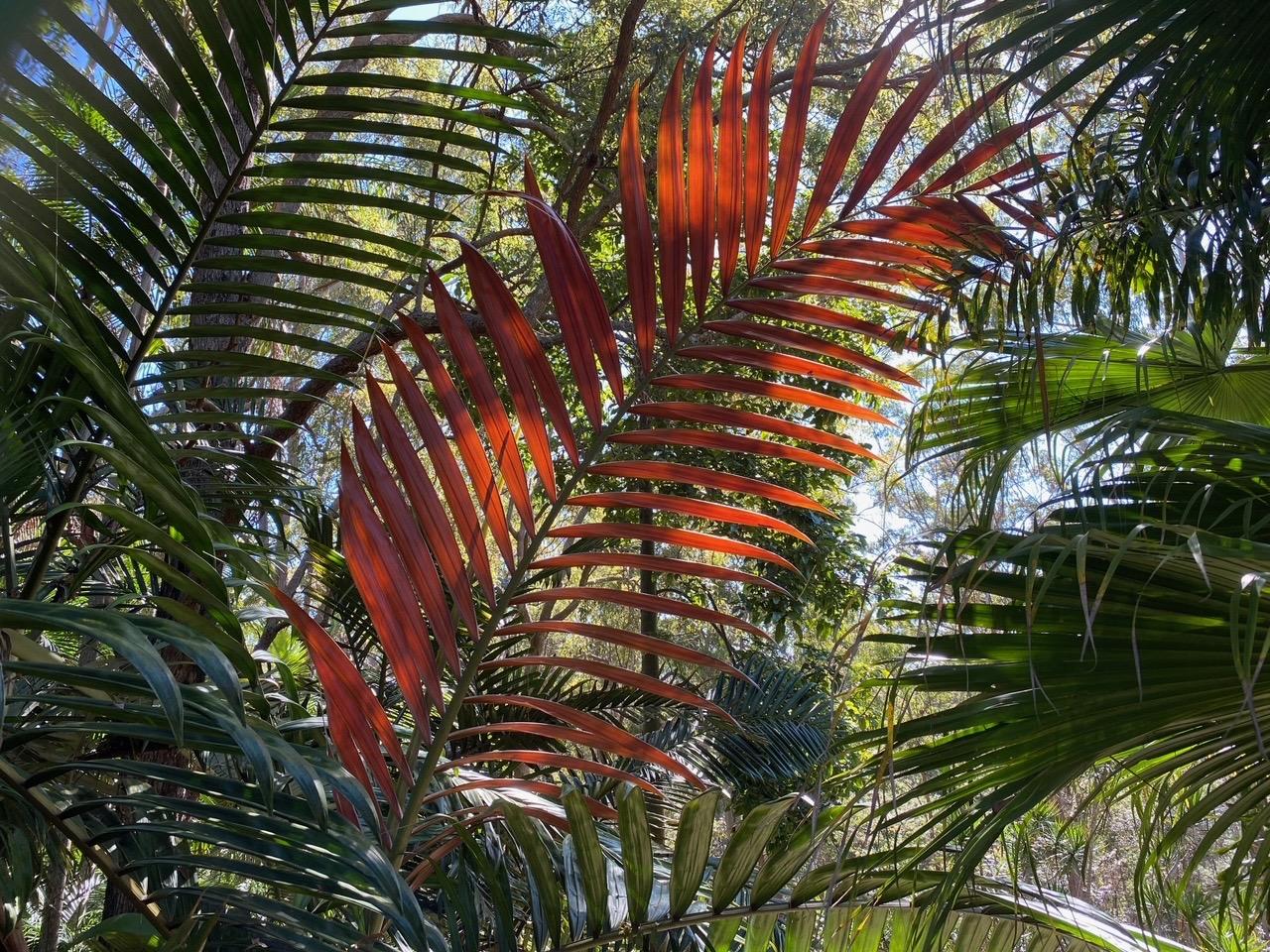
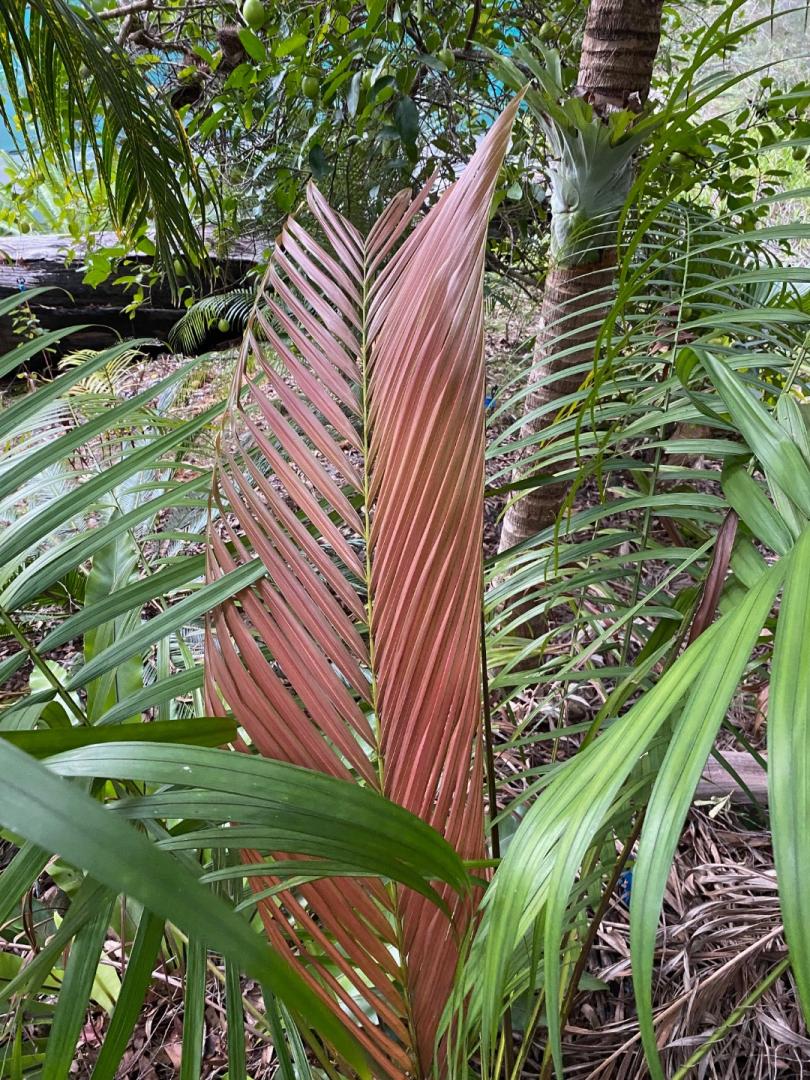
 Paul, First off, it was a pleasure having you two to the garden! Perhaps try a Chambeyronia in a spot that receives some sun. Maybe adjacent to a south or west facing wall. The picture below is one of my young ones this past January opening a new leaf in the winter’s cool temperatures. Most of my twelve flamethrowers produce three new fronds per year. The slower ones, 1 and half to two. It’s worth a try.
 6 points
 -
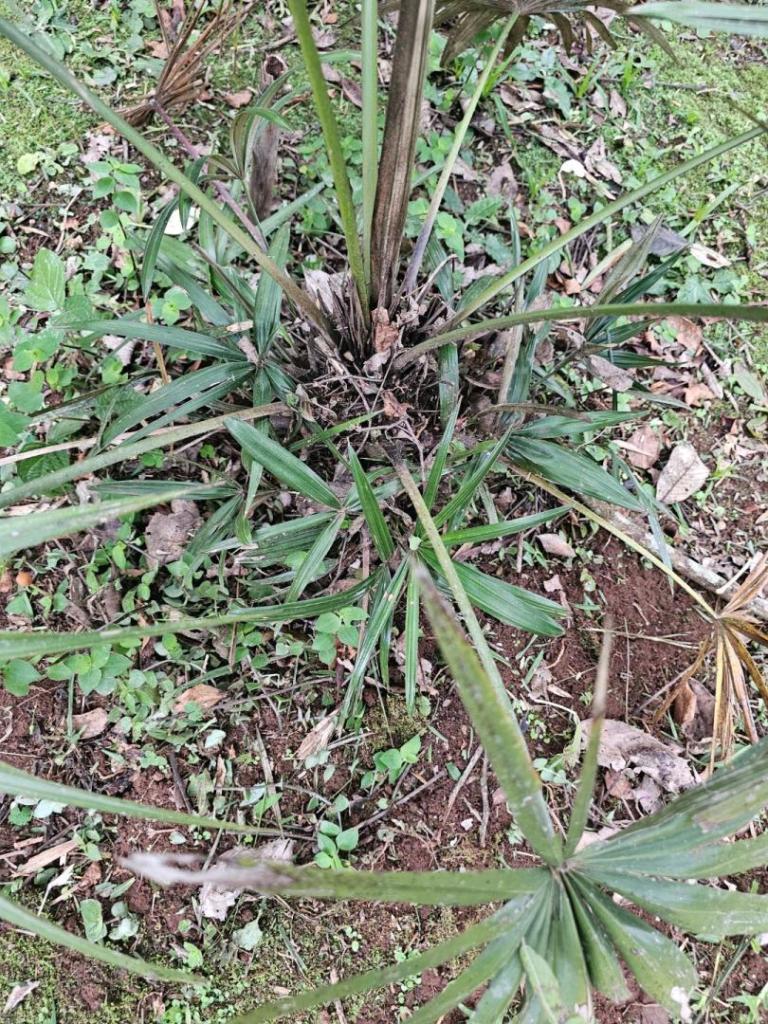
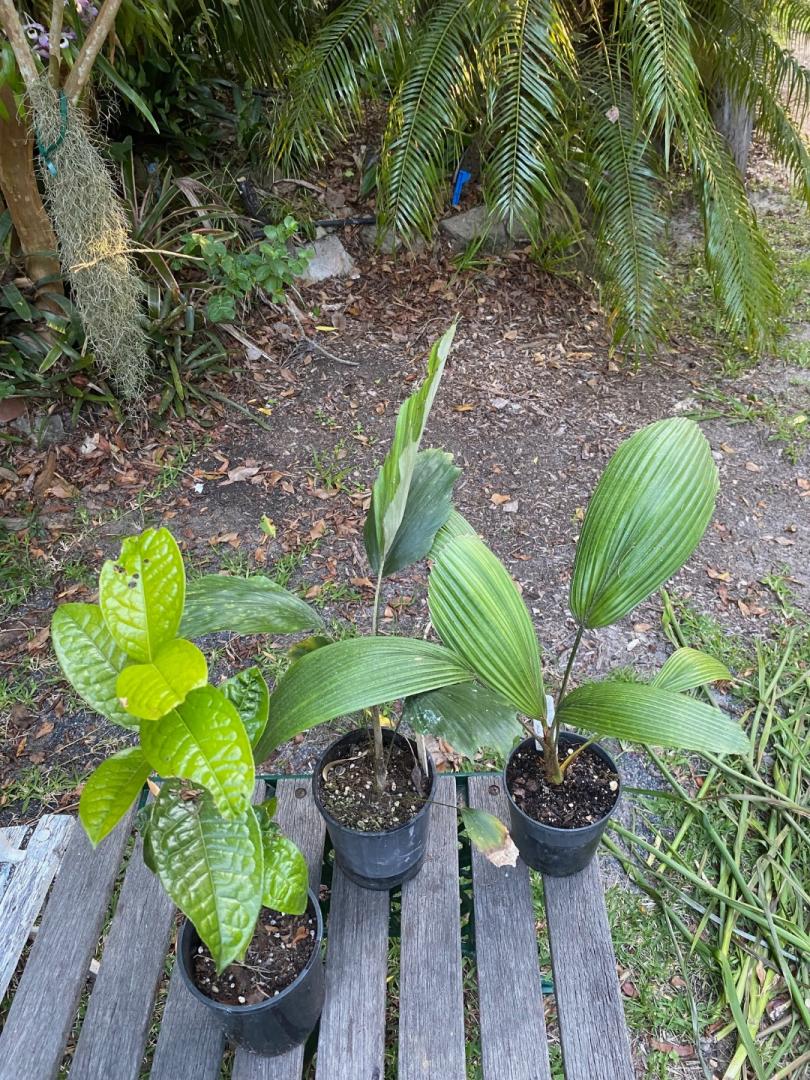
4 pointsI have 3 plants grown from seeds. They grow in the shade of the native ipê- amarelo trees (Tabebuia alba) and get more sun in winter when the trees loose there leaves. Lately there are some suckers forming on the palms.




 4 points
 -
4 points
4 points
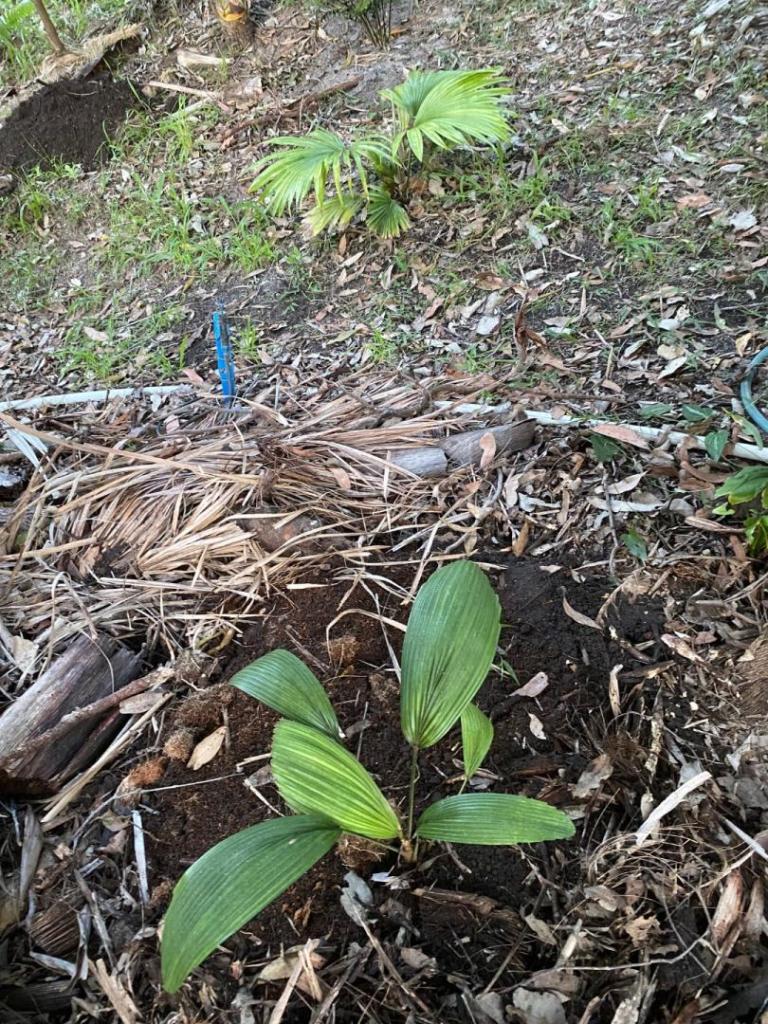
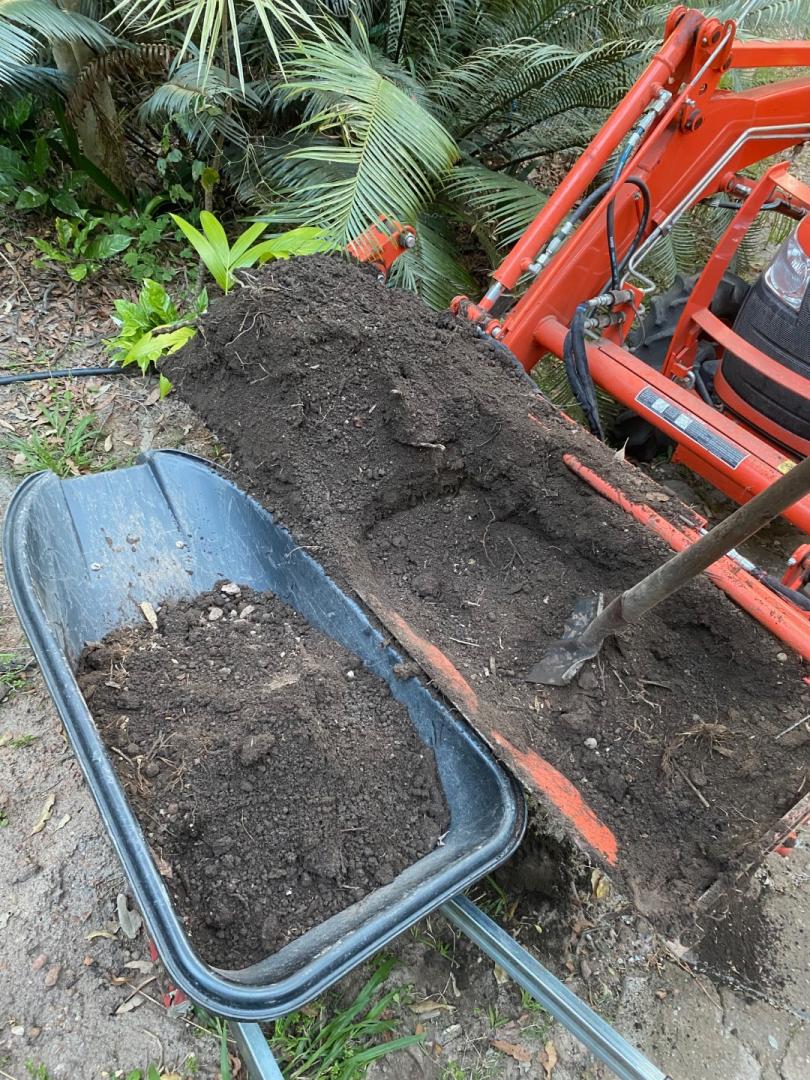
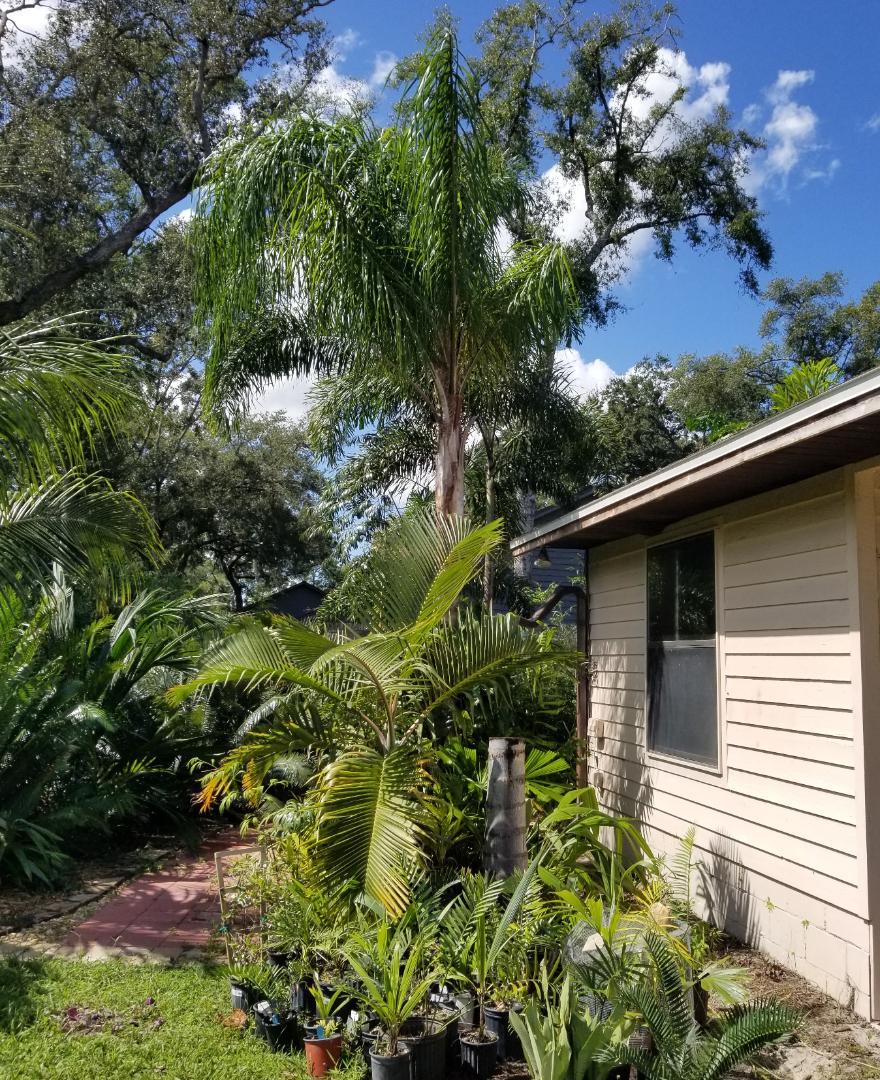
A spot of gardening this afternoon in the mild spring weather. Perfect for planting plants. Soil is the key to a good start with my palms in my environment having black sandy loam you just need to amend it a little or a lot. The old saying a $2 hole for $200 plant or a $200 hole for a $2 plant it can vary at times. The magaloni is a tough proven palm already in my garden. The hookeriana have survived winters without a single problem so iam confident they will grow well I just need to add water.




 3 points
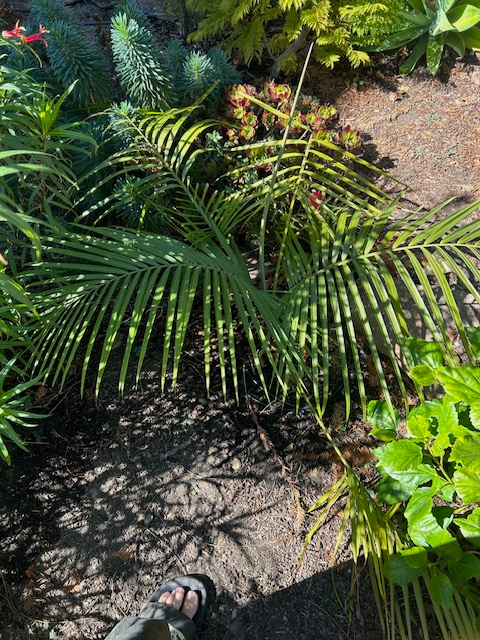
 I planted a couple of 1g hookeris in full sun a couple of years ago, and they grow at a decent (for SF) pace, although they still sun burn pretty badly. The latest frond opened at the beginning of June and stayed burn free until the recent heat wave. The next spear was 1" then and almost 20" now. I do give them a lot of water. For other smaller palm ideas, Ravenea hildebrandtii has been easy in the shade for me and R. glauca similarly easy in full sun.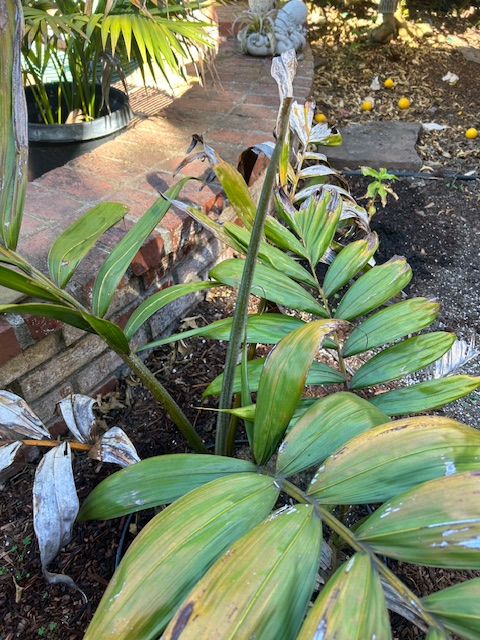

 3 points
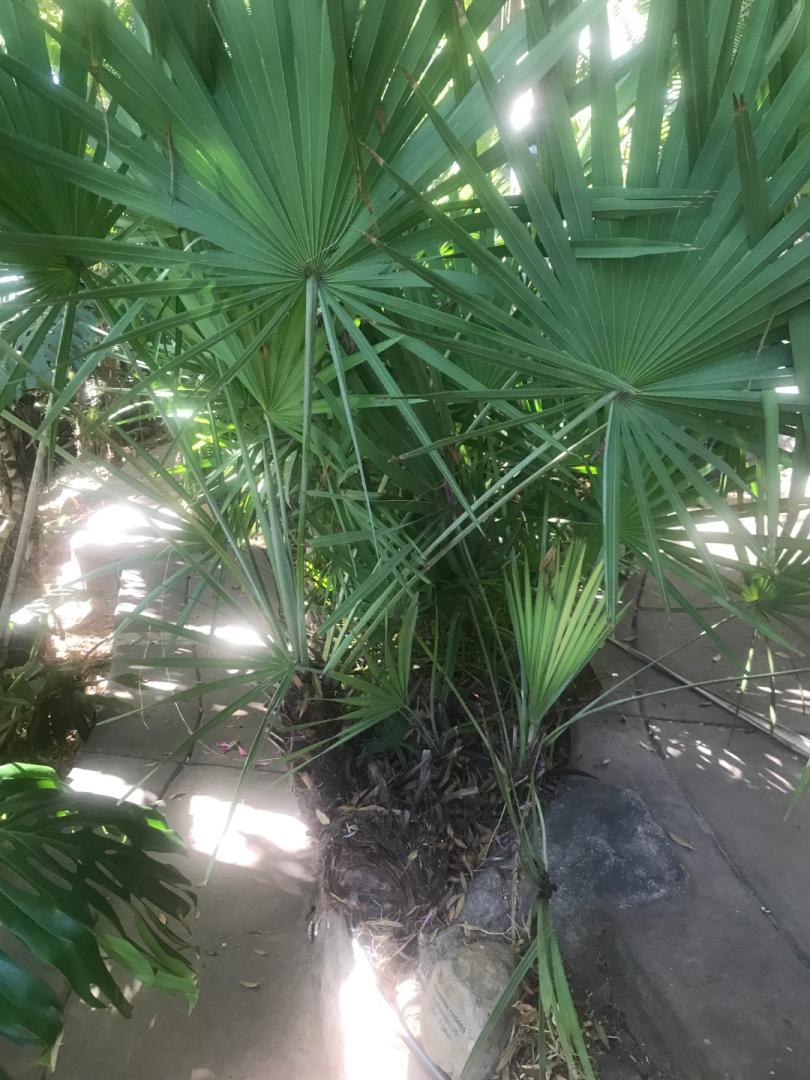
 3 pointsWe have a dry desert climate here vs a wet humid climate that keeps them dormant in the winter. Well drained soil and dry air are key to help them survive. Plus the types of species that are best selected for our area. Washingtonia Filifera do best here. Then Filibusta. Trachycarpus Fortunei do good if you keep them irrigated during the summer months (they do and look best in the Pacific NW). A lot of people used to plant Washingtonia Robustas here about 15 years ago (including me) because big box stores used to sell them. They just aren't as hardy as the other Washingtonia species.3 points
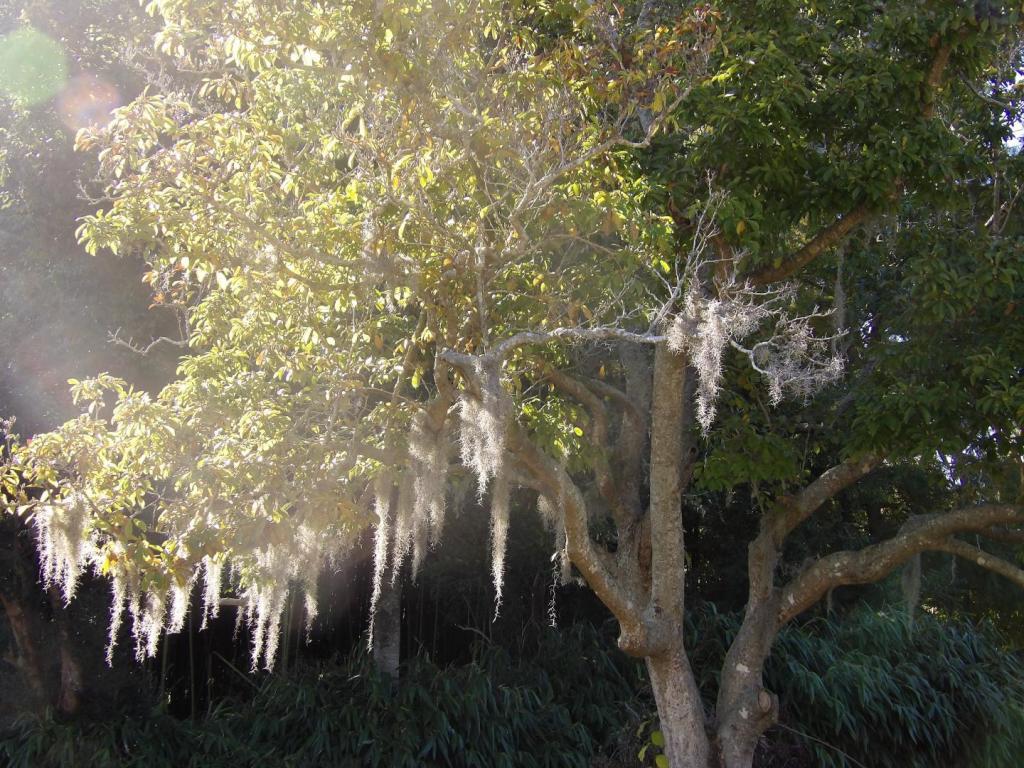
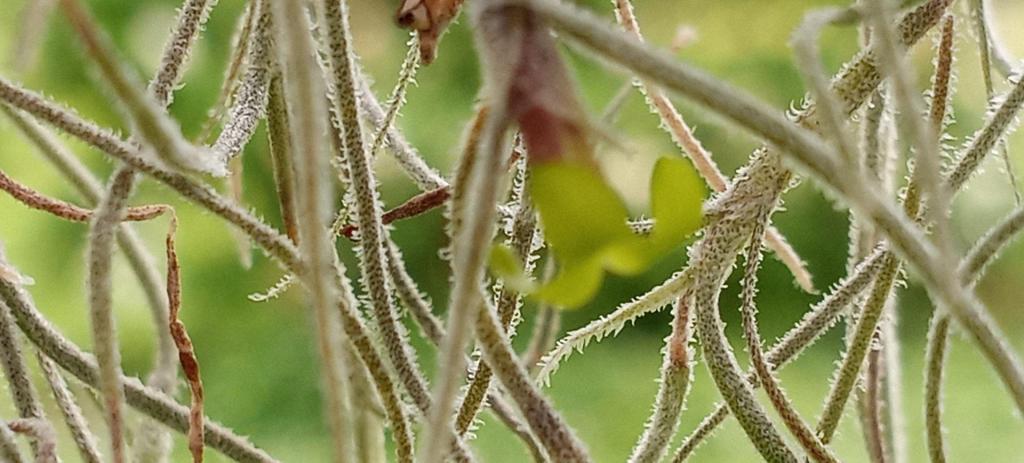
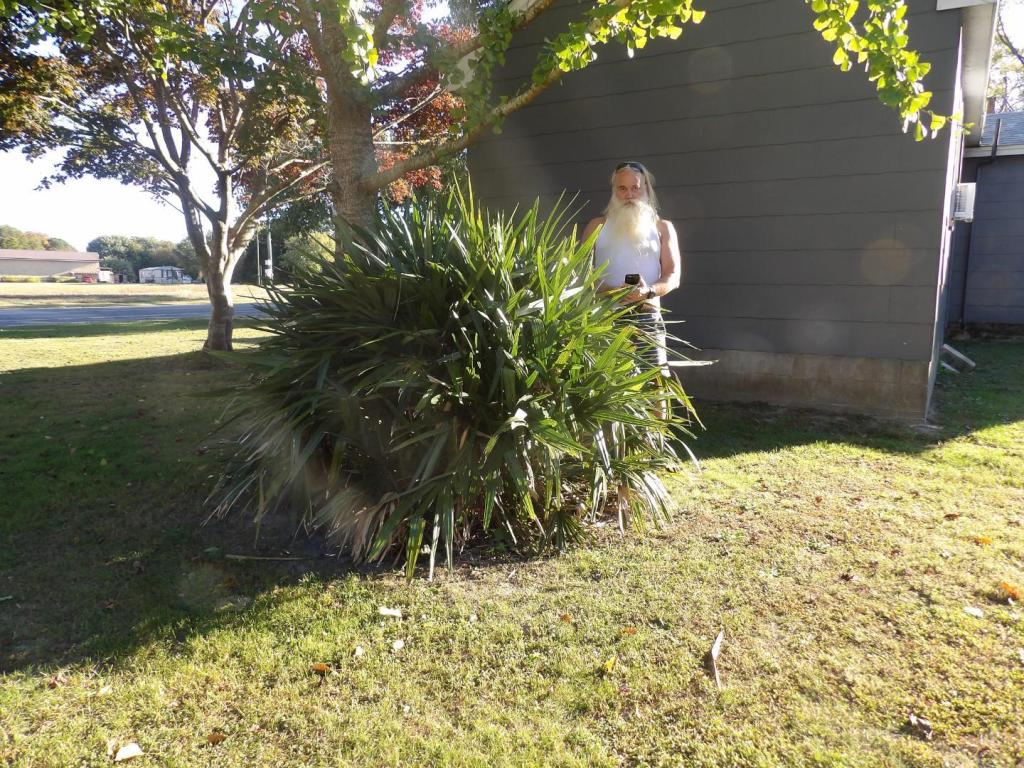
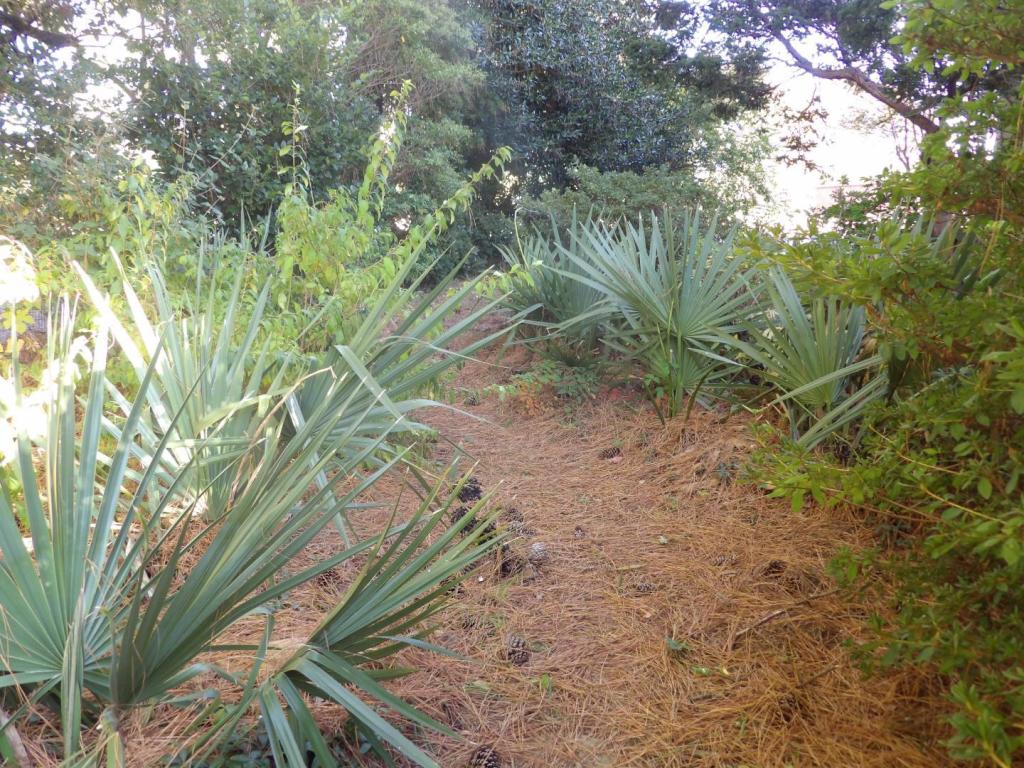
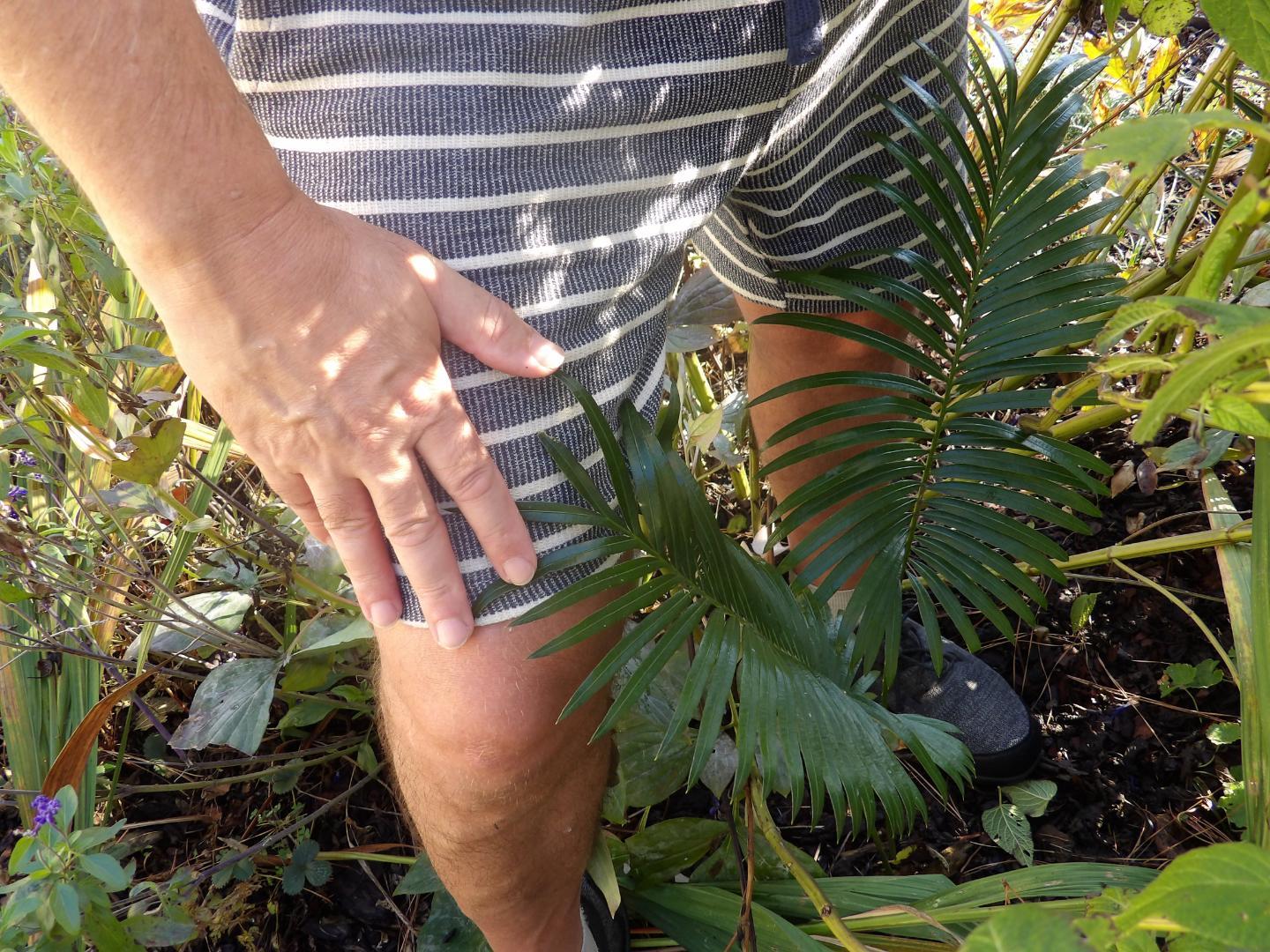
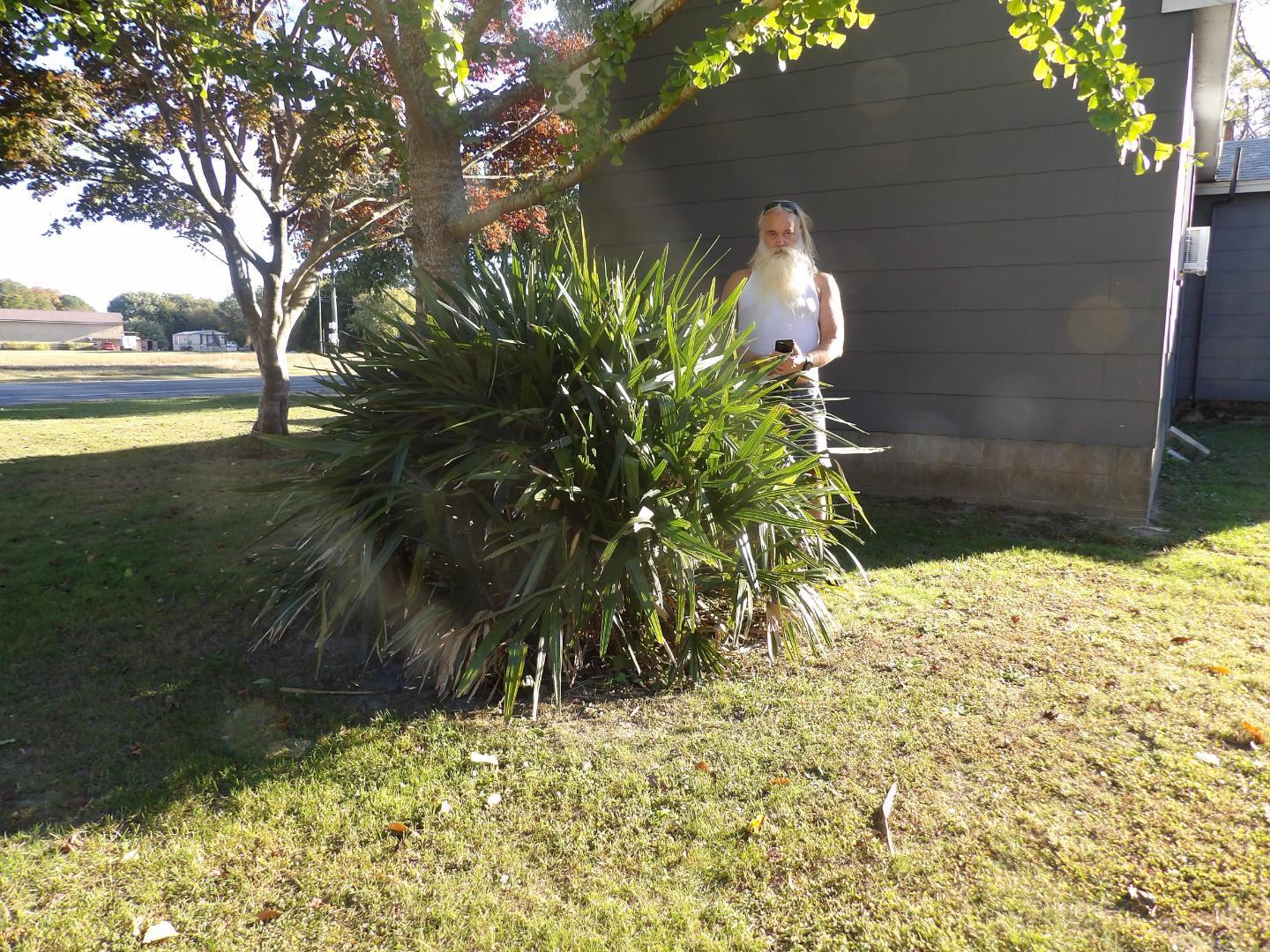
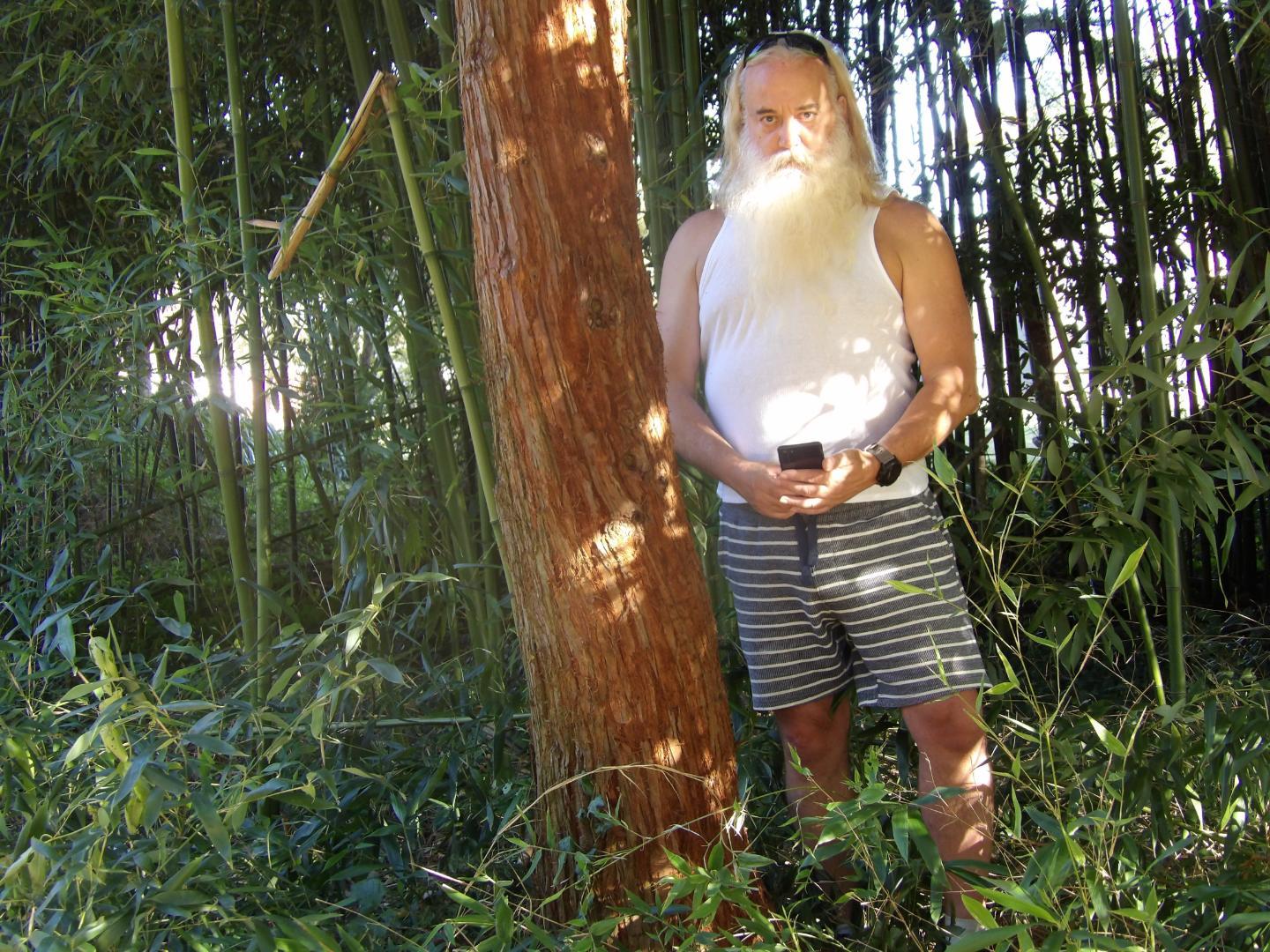
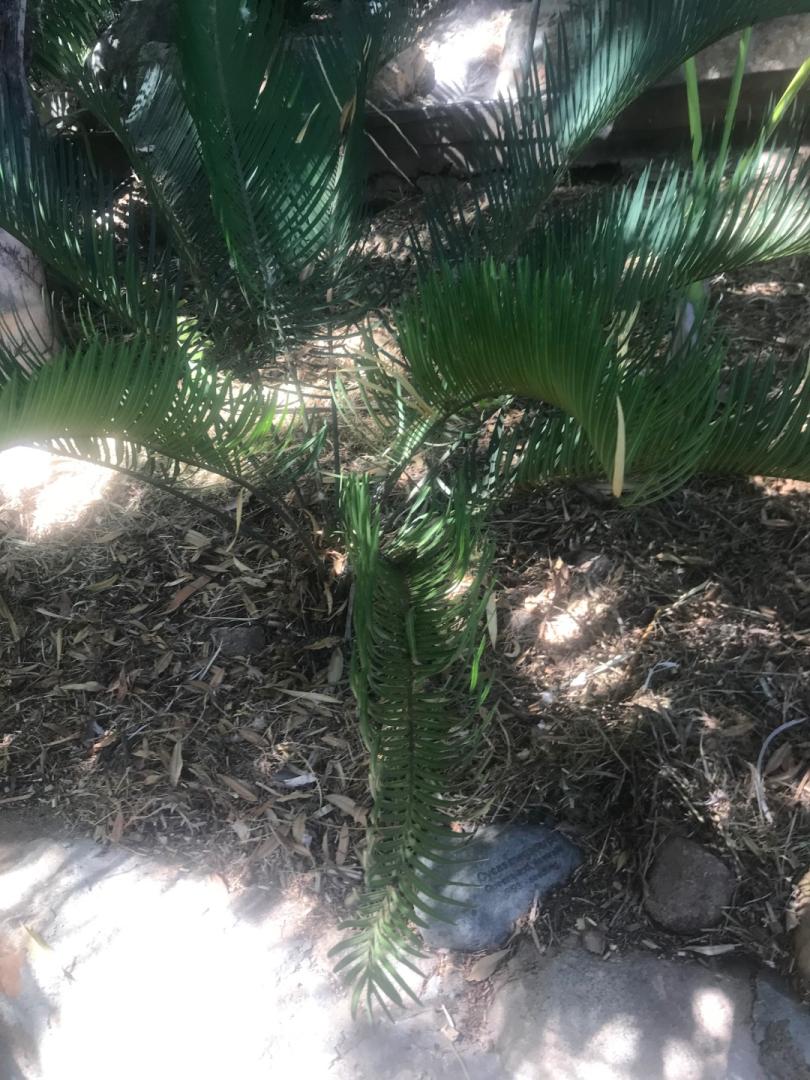
 2024 Growing Season Update Just thought I'd post an update at the end of the 2024 growing season here in Accomack, VA on DelMarVa. It looks like the Jubaea chilensis has grown a couple feet since last summer and is now about 6 feet tall. I got tired of bringing 4 large Cycas pectinata in for the winter, so planted them out in the garden the other year. One sprang back at the end of last summer but it was tiny. This year I just discovered another one that has come back -- but just 2 leaves. C. pectinata's natural range is E. Asia - China, northeast India, Nepal, Bangladesh, Myanmar, Thailand, Cambodia, Laos, Vietnam. Here in Accomack it would survive outside in a pot until December (so down to 30's°F) when it's leaves would get browned, then I'd bring it in until spring when I'd set back outside. To survive temps in the 20's°F, I think the caudex must be well buried. The ones I had were grapefruit to cantaloupe size and the small caudexes were the ones which got buried deeper and sprang back to life. The Sabal minor var. Louisiana is still growing fine as are the needle palm (Rhapidophyllum hystrix) and Sabal minor 'McCurtain Co.' ecotype. I decided to try some Tillandsia usneoides which I hung out this spring on a saucer magnolia, some crepe myrtles and bald cypressees. It bloomed and now has lots of seed pods. It's been a very dry summer and fall. We are still in a drought with a deficit of several inches of rainfall. The spanish moss looks like it's doing just fine. Will see how it survives the winter. Another plant that likes more water than we get here in Accomack is the Coastal Redwood. In the picture, you can see a large bald cypress in the background with a coastal redwood (Sequoia sempervirens) in the foreground. Both trees are the same age. The average annual rainfall in Accomack Co. VA is 44 inches, but in the native range, the redwood receive 100 inches of rainfall annually. I have two planted, and the one in the photo planted in line with the bald cypresses is near a seasonally flooded low area. It's grown larger than the other planted out in the open in a drier, sunny location. Still both grow just fine, water seeming to be the limited factor in their growth rate here. They are less stressed by drought than either Leyland Cypress or Arborvitaea (Thuja).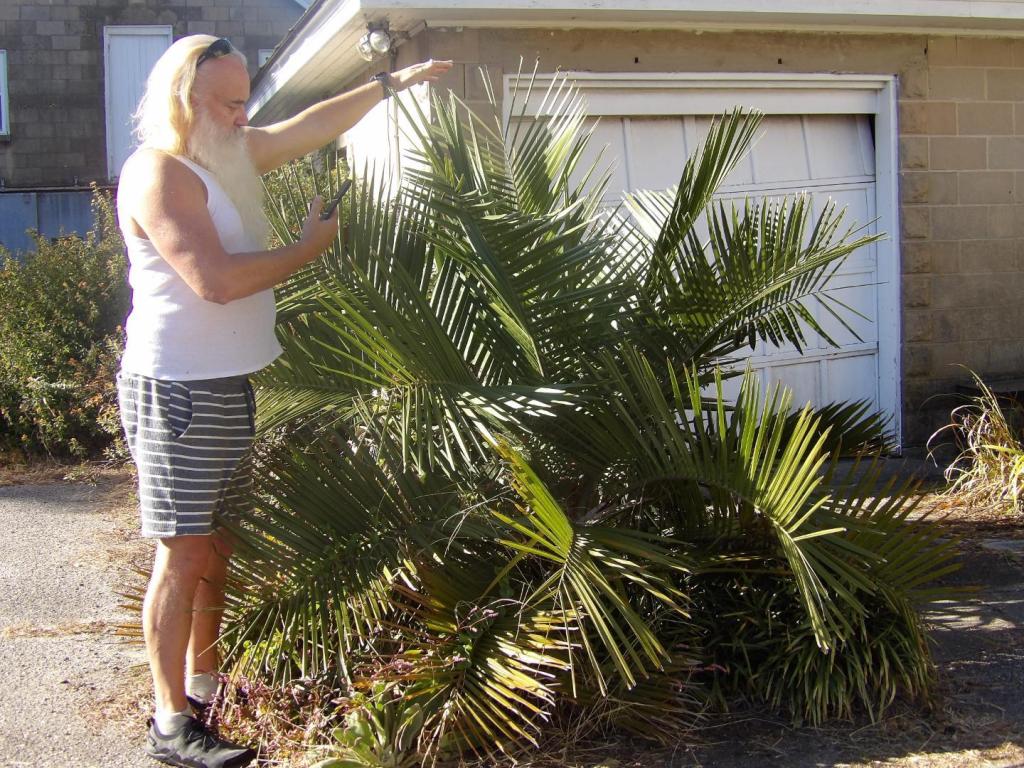






 3 points
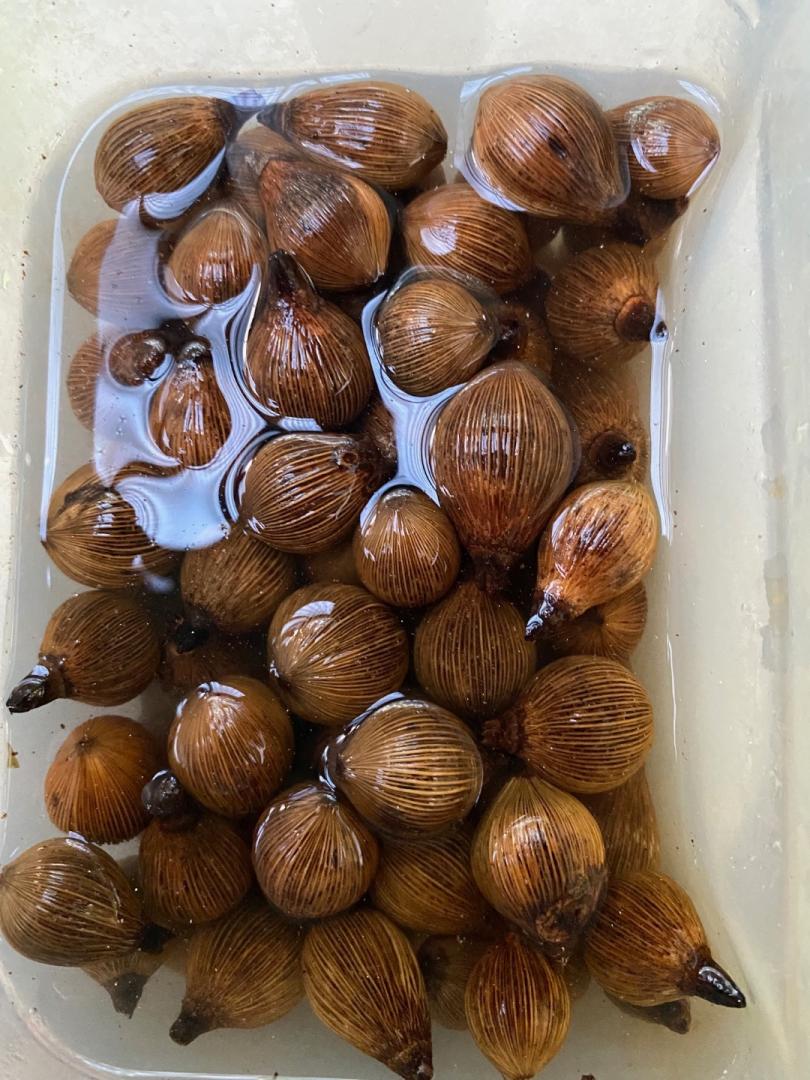
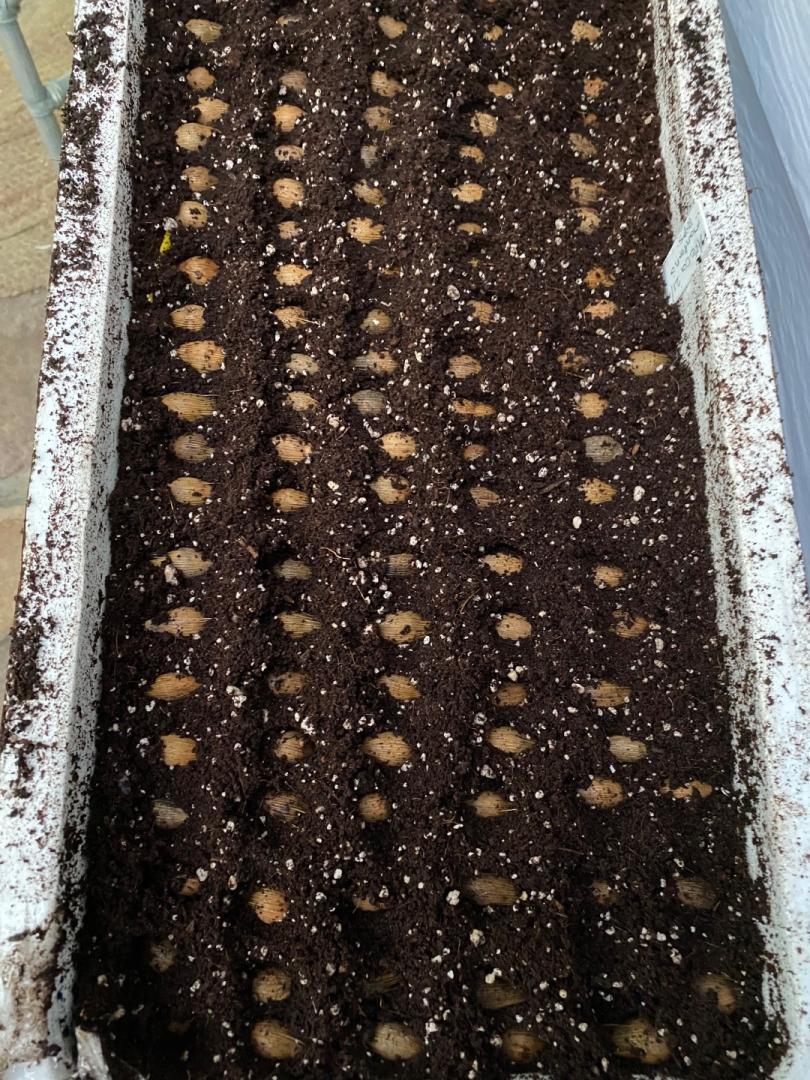
A nice little batch of seeds. Customs is the only delay really in getting them fresh from rps 7 weeks wait for customs Australia that’s not good for a living thing losing viability from the day it’s harvested. There excuse was they had a backlog not a lot you can do except phone calls and emails. I finally got some dypsis confusa, masoala Madagascariensis, Areca Montana, and geonoma mooreana. The mooreana and the confusa had started to germinate it took that long in customs. All were sown in coco coir perlite bottom heating 30 degrees Celsius and using etoliation method. A few months time I will know what I have germinating I hope.
3 points
A nice little batch of seeds. Customs is the only delay really in getting them fresh from rps 7 weeks wait for customs Australia that’s not good for a living thing losing viability from the day it’s harvested. There excuse was they had a backlog not a lot you can do except phone calls and emails. I finally got some dypsis confusa, masoala Madagascariensis, Areca Montana, and geonoma mooreana. The mooreana and the confusa had started to germinate it took that long in customs. All were sown in coco coir perlite bottom heating 30 degrees Celsius and using etoliation method. A few months time I will know what I have germinating I hope.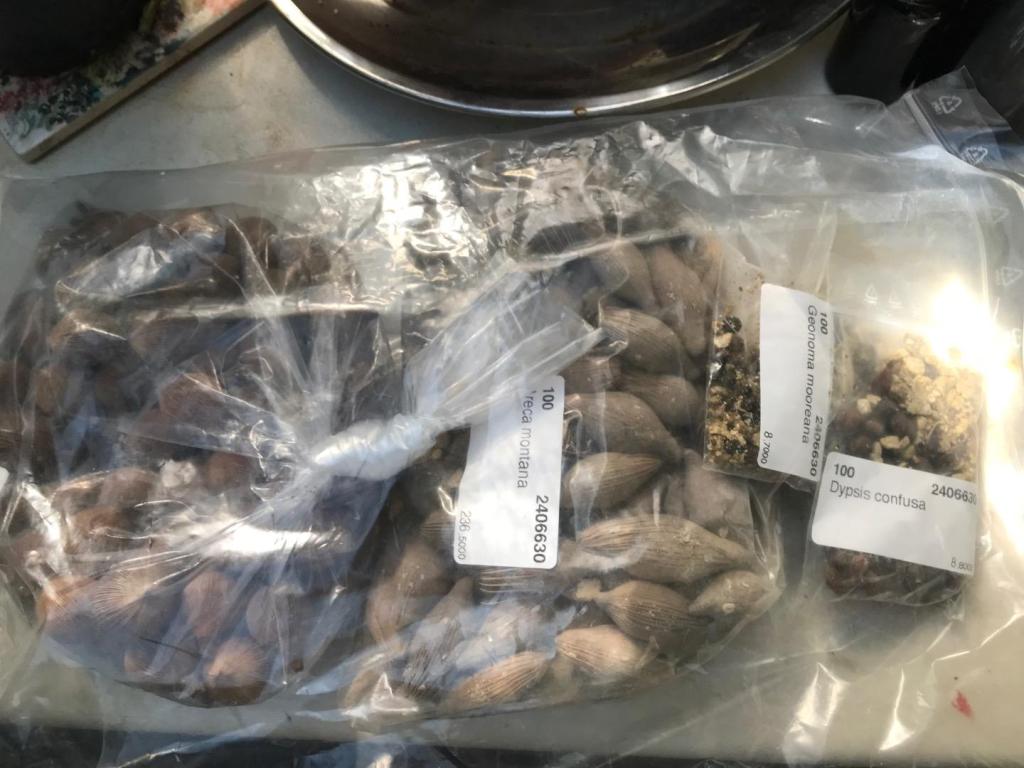
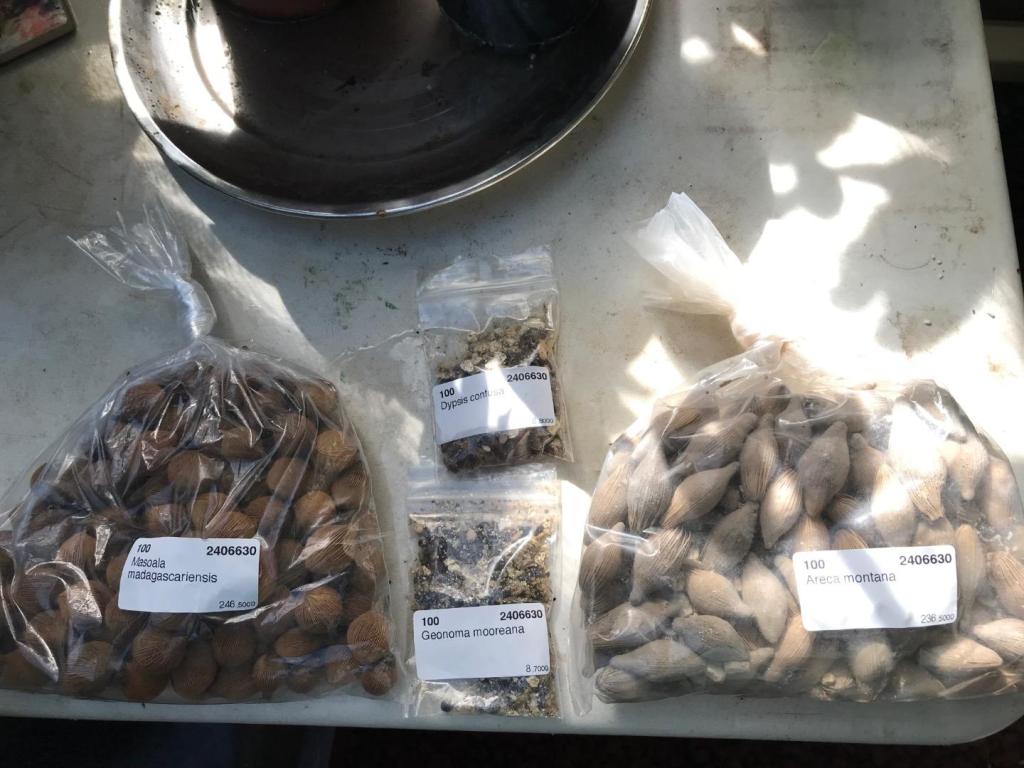
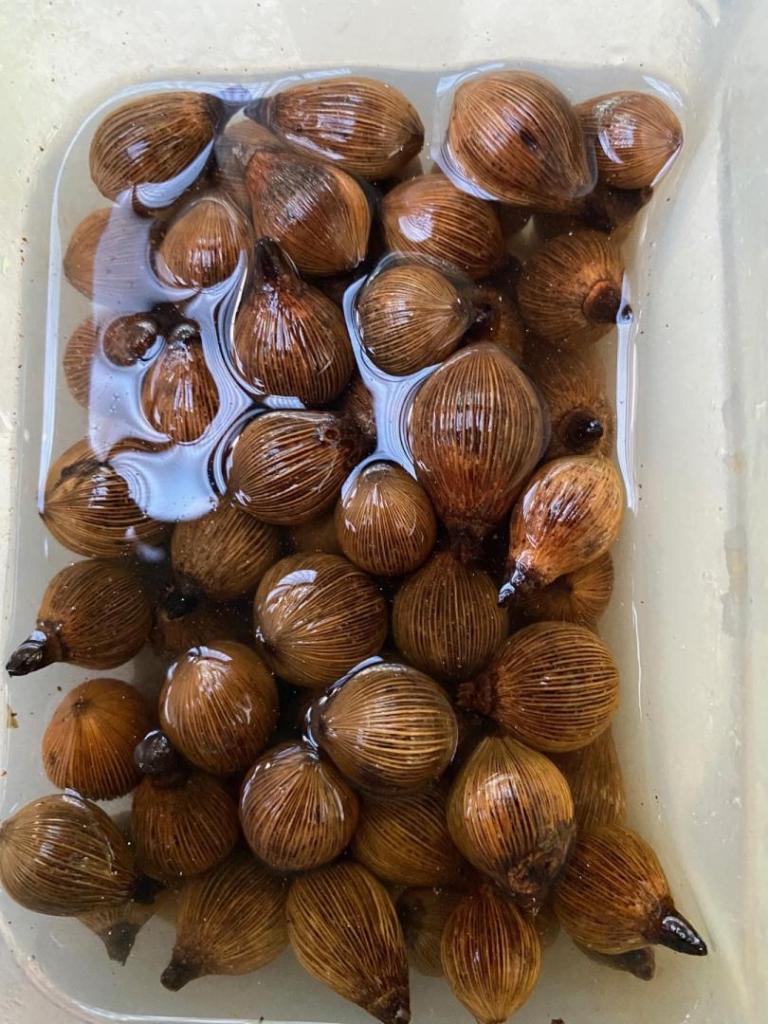
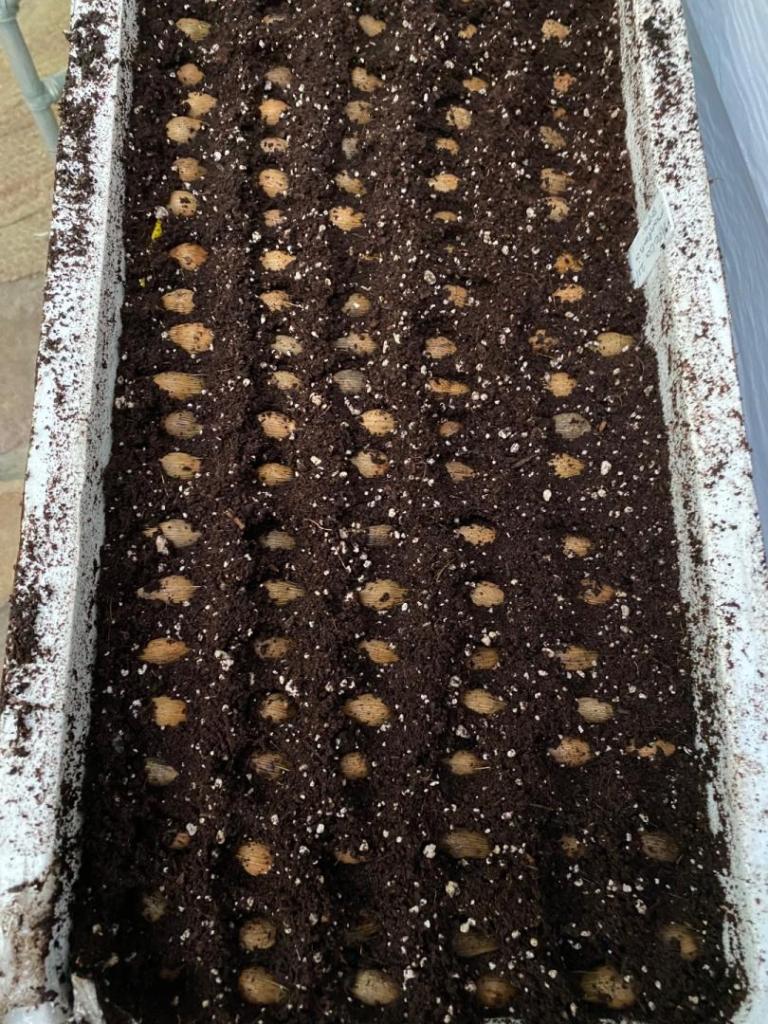 3 points
 3 pointsHarry it gets full morning sun, afternoon shade. Most of its life it got little to moderate water. Now I give it quite a lot of water especially when it is warm to hot. It likes being watered!3 points
 3 pointsMy plant originally came from Floribunda palms here on the Big Island. It was grown from seed that was collected at a local garden here. Some of the seed came up different and showing hybrid traits. But all was collected from a Decipiens. I have seen the parent plant myself. There is a large multi trucked Chrysalidocarpus next to the Decipiens in the garden that seemed the most likely candidate for what it crossed with. I’ve posted a picture of that palm earlier in the thread. Floribunda sells palms to California nurseries which is how some of these made it out to other collections (like @iDesign). Others bought directly from Floribunda like I did. Hope that helps. Also, I can’t speak to other plants shown on this thread that didn’t come from Floribunda originally.3 points
3 pointsI have one I planted in about 2005. It was as a seedling. It stayed very messy looking until a few years ago. That was when I trimmed it for the first time. After trimming it looked decent! Restarting this thread made me go and revisit today! The first two pics are before I trimmed it up. The next three are after trimming. It's starting to look special to me! The underside of the leaves is very silvery! The last pic the snips are there for scale. I will turn 67 next month so if I live to 100 it will grow from special to spectacular!!! Randy
3 pointsMy plant originally came from Floribunda palms here on the Big Island. It was grown from seed that was collected at a local garden here. Some of the seed came up different and showing hybrid traits. But all was collected from a Decipiens. I have seen the parent plant myself. There is a large multi trucked Chrysalidocarpus next to the Decipiens in the garden that seemed the most likely candidate for what it crossed with. I’ve posted a picture of that palm earlier in the thread. Floribunda sells palms to California nurseries which is how some of these made it out to other collections (like @iDesign). Others bought directly from Floribunda like I did. Hope that helps. Also, I can’t speak to other plants shown on this thread that didn’t come from Floribunda originally.3 points
3 pointsI have one I planted in about 2005. It was as a seedling. It stayed very messy looking until a few years ago. That was when I trimmed it for the first time. After trimming it looked decent! Restarting this thread made me go and revisit today! The first two pics are before I trimmed it up. The next three are after trimming. It's starting to look special to me! The underside of the leaves is very silvery! The last pic the snips are there for scale. I will turn 67 next month so if I live to 100 it will grow from special to spectacular!!! Randy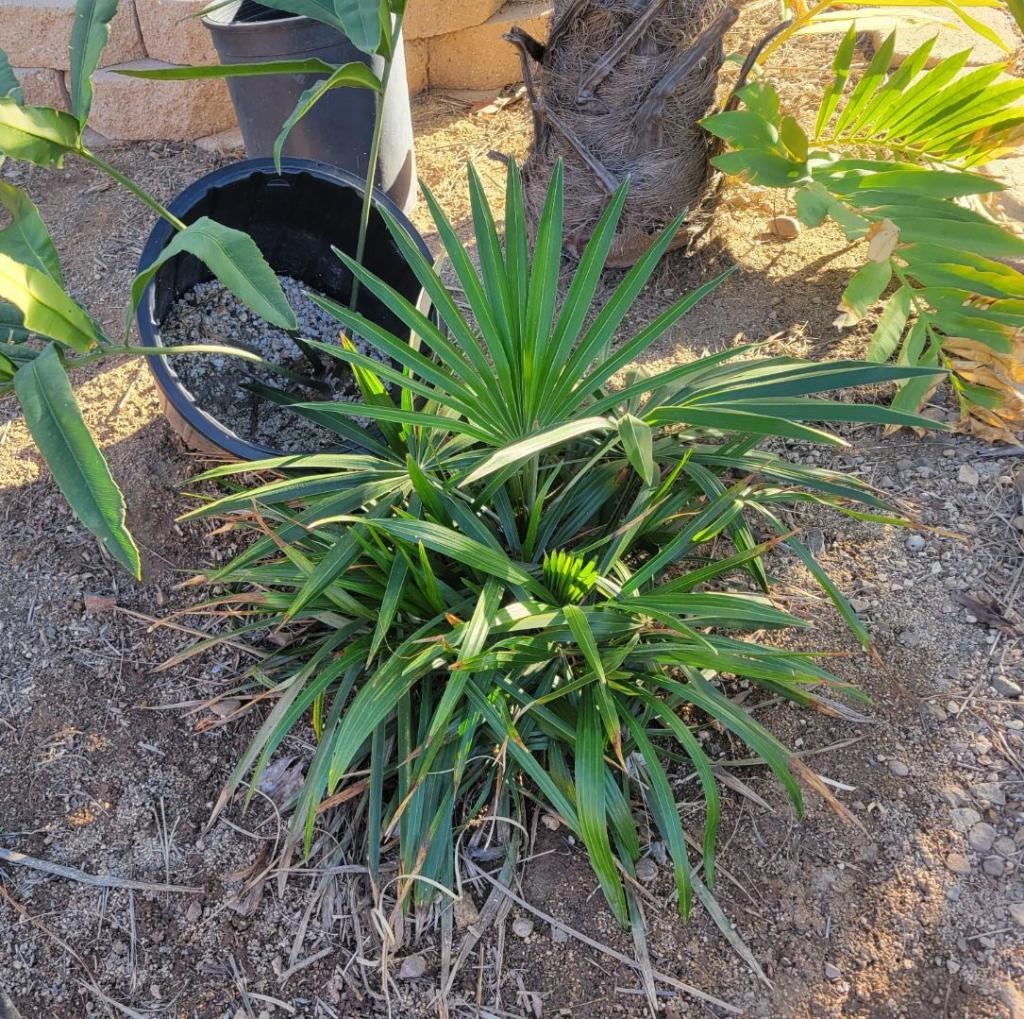


 3 points
 3 points
 3 pointsMy Dypsis Madagascarensis hybrid finally getting a ring Just noticed Ptychosperma Elegans ringing


 3 points
 Send seed immediately please...I'll send you a courier pigeon!2 points
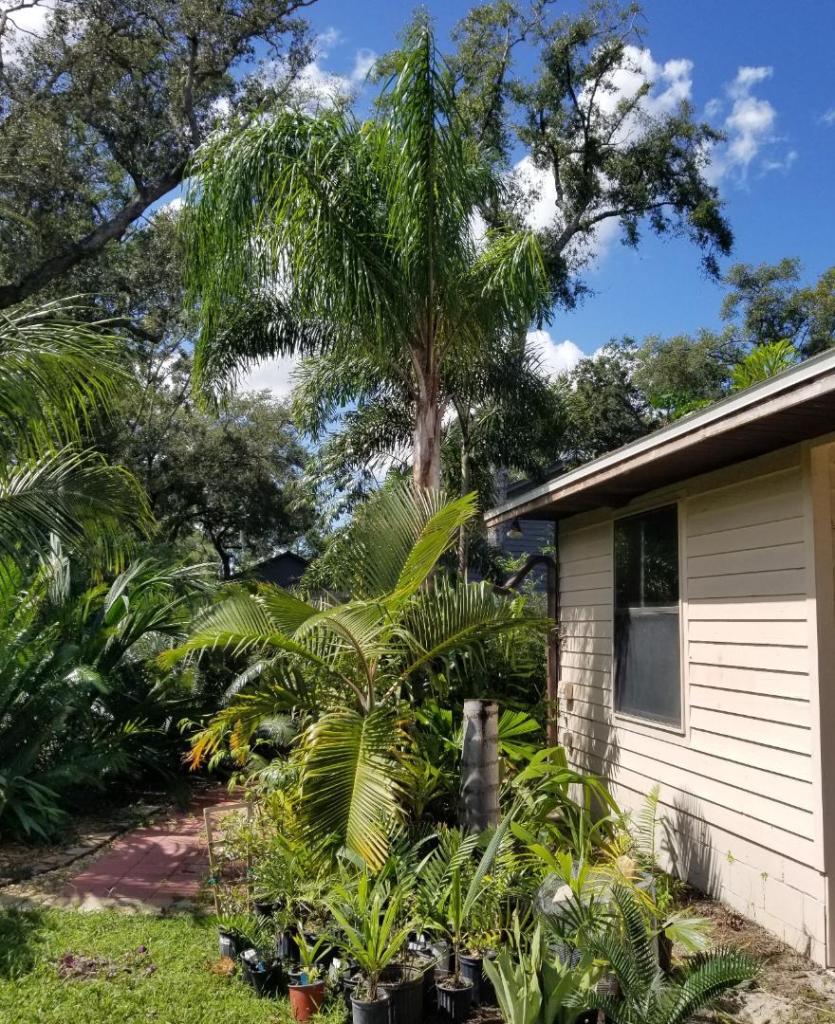
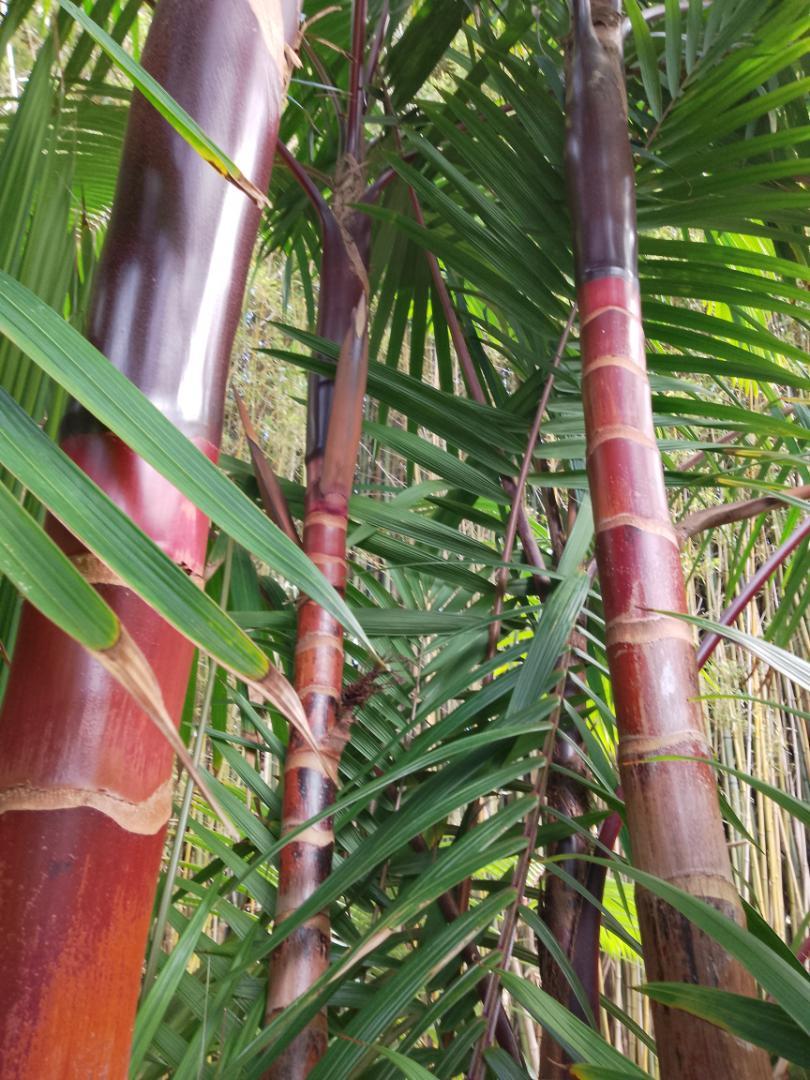
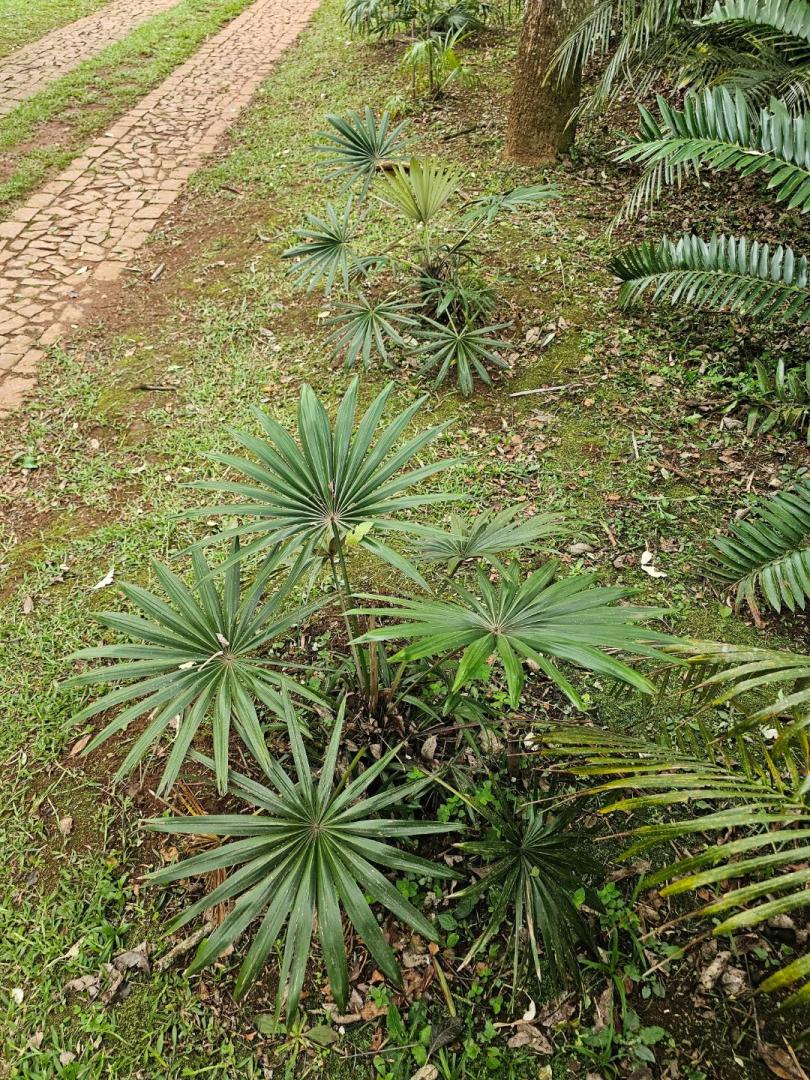
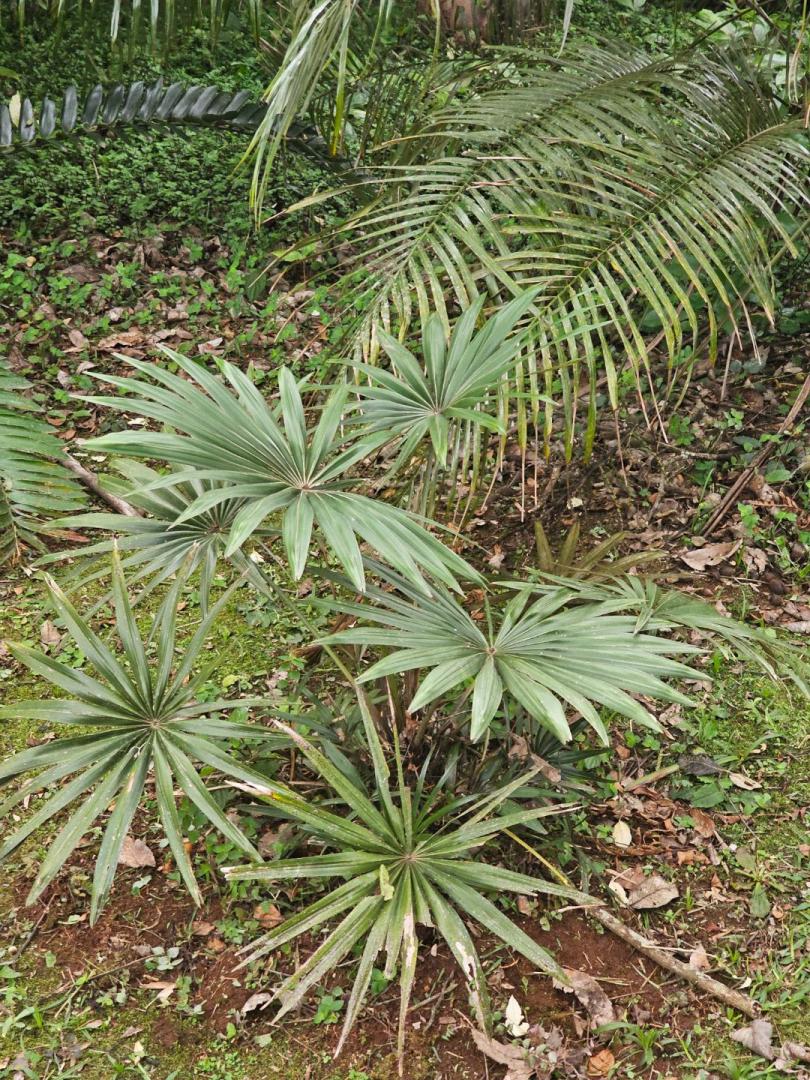
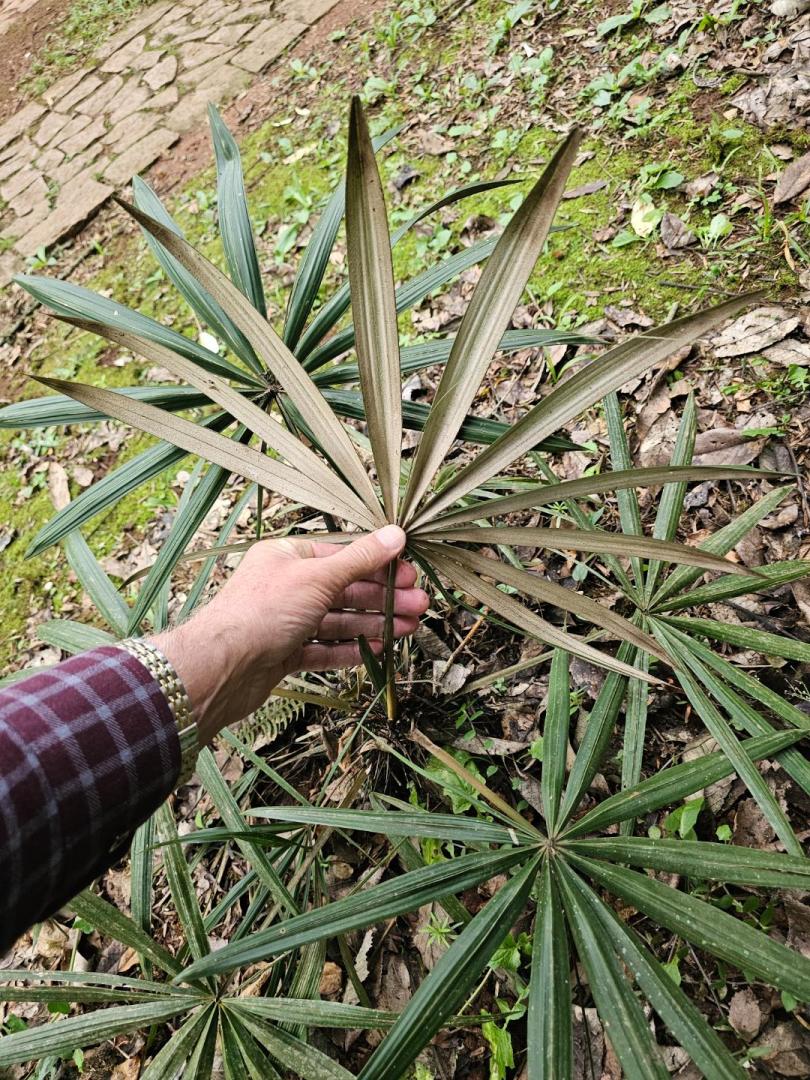
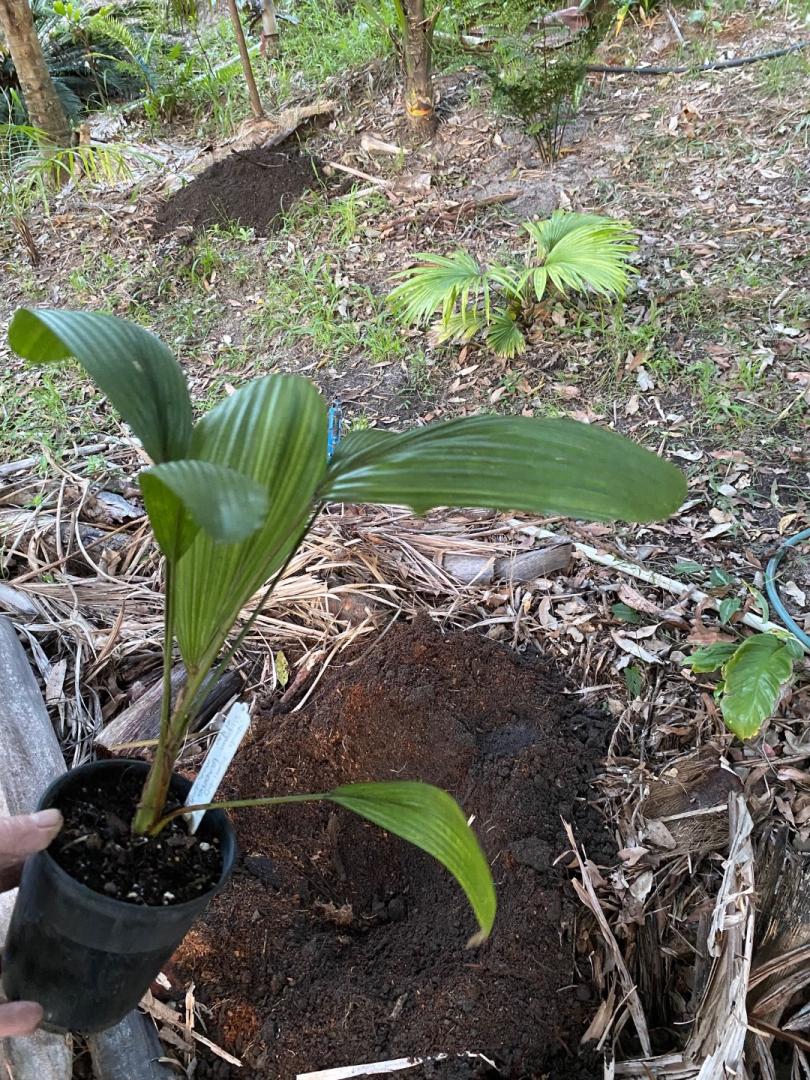
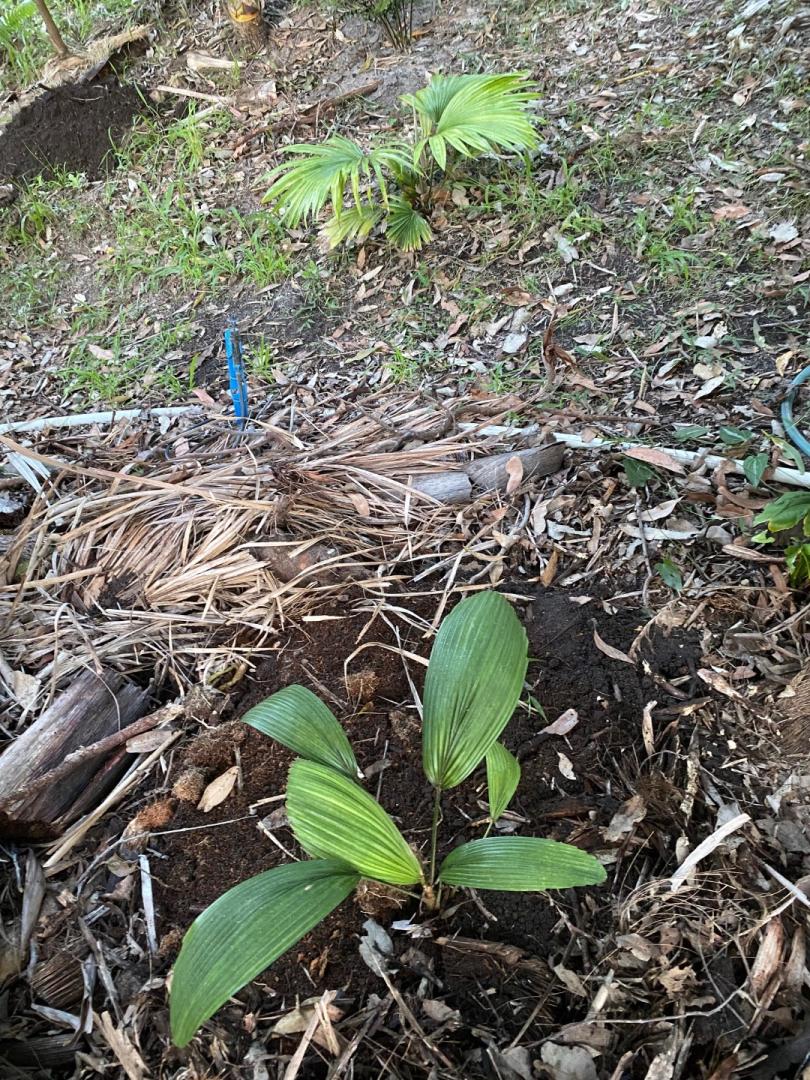
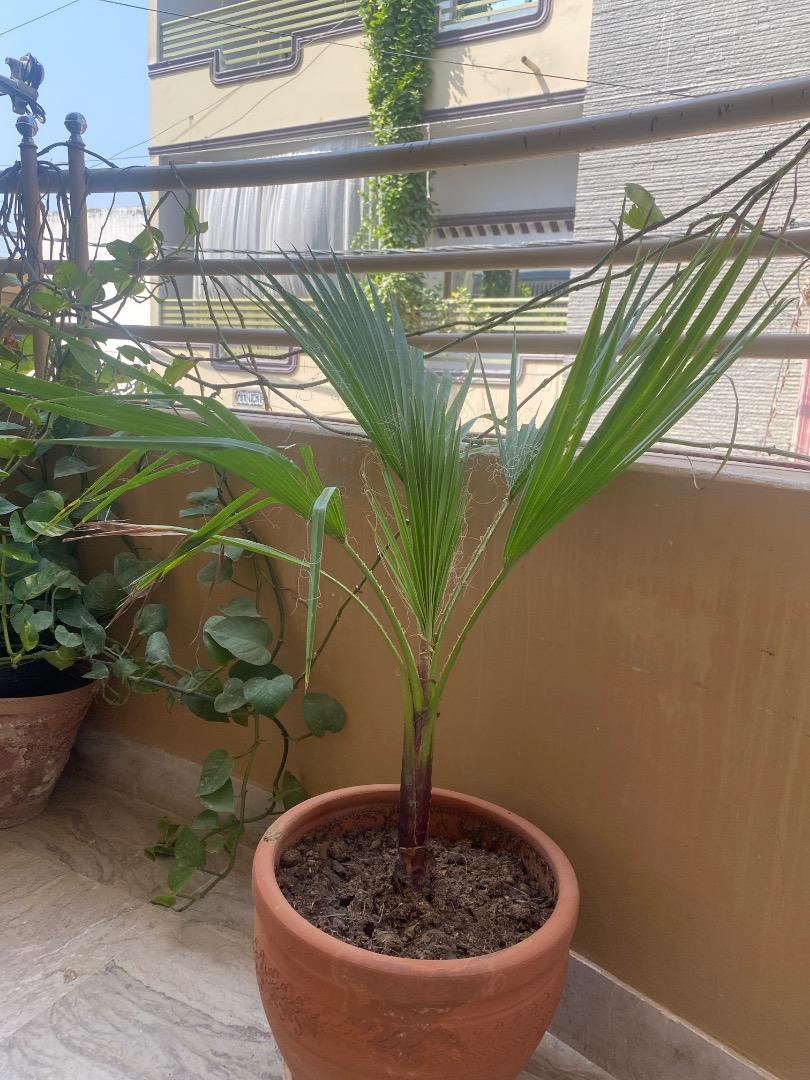
 I bought this plant a few days ago and have run several identify checks from 2 apps and both of them told me that it is a robusta with one app giving me a probability of 67% but I am still not satisfied and have this doubt in my mind that this might be something else so here I am asking for your commments.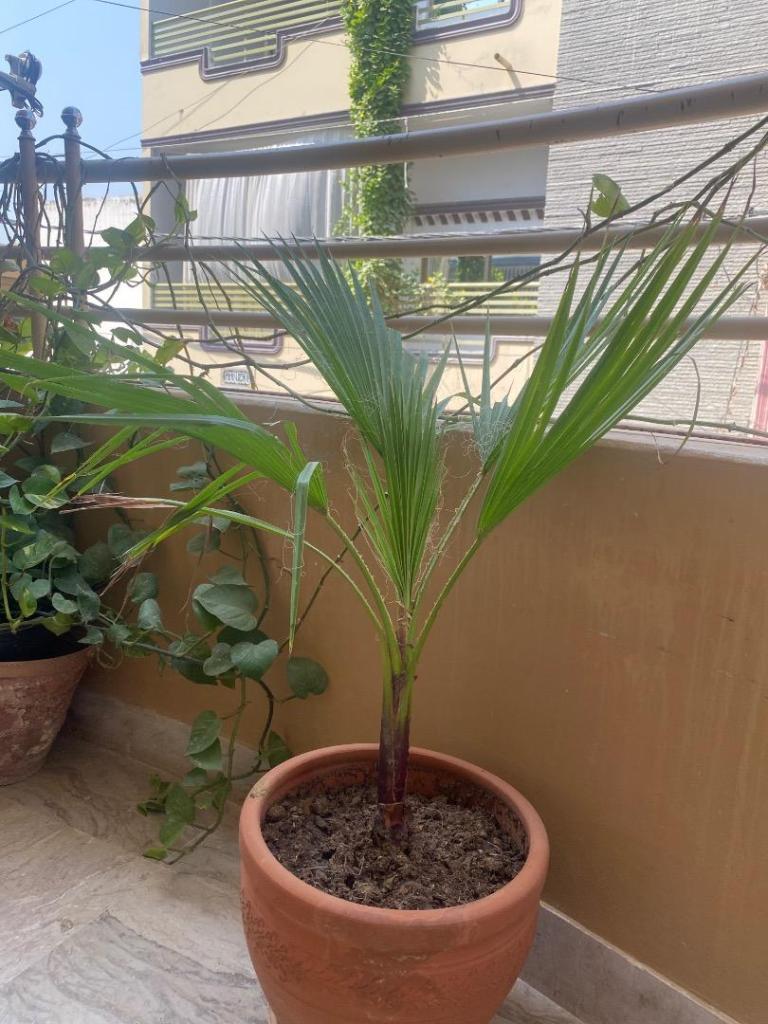
 2 points
I purchased y first shovel at age 18 4 handles later it retired. It had worn out that much it was only 4 inches long with a big scollop shape. It finally cracked in the middle the same time I inherited my father’s shovel you kinda get fond of the good old shovel. I used the wife’s shovel the other week a cheap China one my foot slipped (bare feet of course) 4 stitches later from a trip to the hospital I thought iam never using that one again yes I know even the hospital said bare feet I never wear shoes at home in the bush so far only one snake bite I lived to post this so it could’ve been worse. Richard2 points
When I travel through the tableland regions in the states of Paraná and Santa Catarina, where Butia eriospatha is native ( not so common), most of this regions also have in bigger quantities , wild "jerivá" (tableland varieties of Syagrus romanzoffiana) and frequently I see xButyagrus paranaensis, sometimes cultivated and some in semi wild conditions. All this are natural hybrids and not made by gardeners. They really are very atractive and some are really magnificent. When in cultivation they are probably selected about volunteers. I also remember the botanist Kelen Soares photographing hybrids of Butia lallemantii x Syagrus romazoffiana in the state Rio Grande do Sul.2 points
2 points
I purchased y first shovel at age 18 4 handles later it retired. It had worn out that much it was only 4 inches long with a big scollop shape. It finally cracked in the middle the same time I inherited my father’s shovel you kinda get fond of the good old shovel. I used the wife’s shovel the other week a cheap China one my foot slipped (bare feet of course) 4 stitches later from a trip to the hospital I thought iam never using that one again yes I know even the hospital said bare feet I never wear shoes at home in the bush so far only one snake bite I lived to post this so it could’ve been worse. Richard2 points
When I travel through the tableland regions in the states of Paraná and Santa Catarina, where Butia eriospatha is native ( not so common), most of this regions also have in bigger quantities , wild "jerivá" (tableland varieties of Syagrus romanzoffiana) and frequently I see xButyagrus paranaensis, sometimes cultivated and some in semi wild conditions. All this are natural hybrids and not made by gardeners. They really are very atractive and some are really magnificent. When in cultivation they are probably selected about volunteers. I also remember the botanist Kelen Soares photographing hybrids of Butia lallemantii x Syagrus romazoffiana in the state Rio Grande do Sul.2 points I have question, in South America where these palms are native how often and in what area are natural hybrids present? Butia has many different varieties, are these hybrids or distinct? As more and more people in North America are planting various palms, I wonder how much naturalization and hybridization is occurring.2 points
2 pointsYeah. You can't see the trunk in this pic but it's very thick! Plus the fronds are pretty Filiferish in size and color. I think I might have just came up with a new word "Filiferish". Lol2 points
I have question, in South America where these palms are native how often and in what area are natural hybrids present? Butia has many different varieties, are these hybrids or distinct? As more and more people in North America are planting various palms, I wonder how much naturalization and hybridization is occurring.2 points
2 pointsYeah. You can't see the trunk in this pic but it's very thick! Plus the fronds are pretty Filiferish in size and color. I think I might have just came up with a new word "Filiferish". Lol2 points 2 pointsThis is a pic of a 42” pot that I have mine in… It is from about 2-1/2 years ago, and the the palm is bigger now, but doing just fine.. One of my concerns about going with a smaller pot was the with the palm being top-heavy, it might fall over.. It did a few times in he smaller pot, but with a few 100 #s of planter mix in this pot, it’s pretty well grounded… Butch2 points
 2 pointsYes, the weather 🌴for the last 4 years has been absolute trash. The top 3 coldest winter lows of the last 34 years have all occurred in the last 4 years. The lows were not only exceptional but the duration of freezing as well. 2023 was the hottest summer on record since modern records began. 2022 was the second hottest summer on record. Add in the ensuing drought 😡 Everything that can go wrong has gone wrong. The 1980s were dark times for most of the South too. Hopefully we will be done with this nightmare soon. Don't let all the doom and gloom consume you though. I still plant like it's zone 9, 'cause it still is over the long-term. 🌴2 points
 2 points
(173x200).thumb.jpg.87642ce613f801fde119db608b8aeb96.jpg) 2 pointsThings to study / find the links between that can influence a " good / ideal " or " bad / poor " WX pattern / help answer the above - highlighted question? PDO ( Pacific Decadal Oscillation ) ENSO Cycles ( El Nino / La Nina ) P.V. = Polar Vortex, and SSWE ( Sudden Stratospheric Warming events ) ...AND the various teleconnections that link everything together.. ..MJO, AO, NAO. and the PNA.. ..Some other, more obscure WX pattern " forcers " puzzle pieces to study out there too. Weird WX in one place = weird WX in many other places, ..though Weird here may be warm in Feb. while Weird back east = cold ..Warmer/ colder than what is considered " Normal " Simply put = No simple answer(s) ( Though there are plenty of simple people who assume there are ) .. lots of rabbit holes however, that will lead you down a lot more, as you gain knowledge..2 points
2 points
2 points
2 pointsThings to study / find the links between that can influence a " good / ideal " or " bad / poor " WX pattern / help answer the above - highlighted question? PDO ( Pacific Decadal Oscillation ) ENSO Cycles ( El Nino / La Nina ) P.V. = Polar Vortex, and SSWE ( Sudden Stratospheric Warming events ) ...AND the various teleconnections that link everything together.. ..MJO, AO, NAO. and the PNA.. ..Some other, more obscure WX pattern " forcers " puzzle pieces to study out there too. Weird WX in one place = weird WX in many other places, ..though Weird here may be warm in Feb. while Weird back east = cold ..Warmer/ colder than what is considered " Normal " Simply put = No simple answer(s) ( Though there are plenty of simple people who assume there are ) .. lots of rabbit holes however, that will lead you down a lot more, as you gain knowledge..2 points
2 points
2 points 2 points
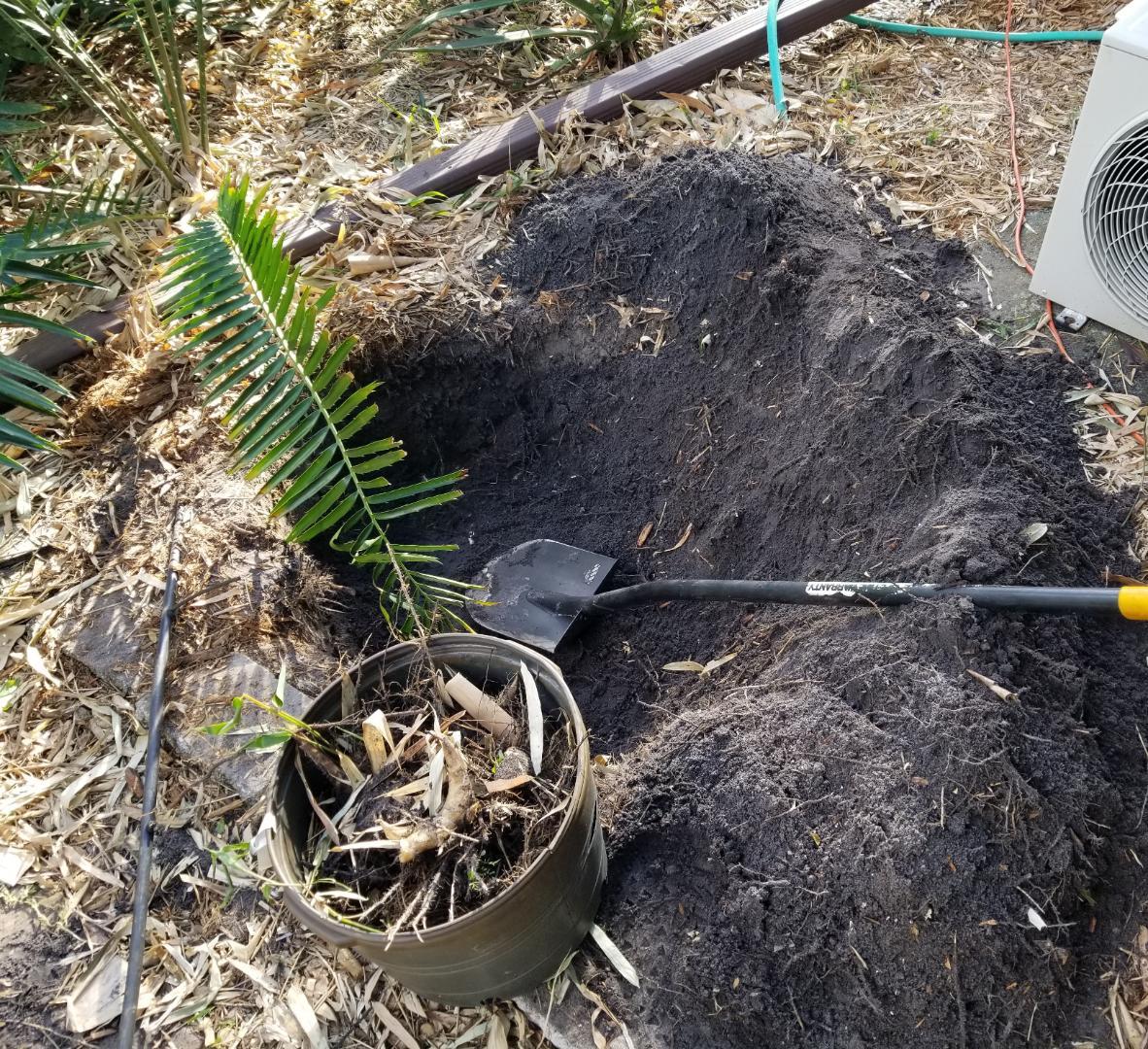
 I did a whole bunch of cleanup today, and finished piling up all the debris for pickup. The cactus above was so top-heavy that I had to chop off most of it, but it'll grow back just fine. This time I drove 3x 4' stainless pipes into the ground and tied it tight. One big job today was removing the Bambusa "New Guinea Black" from the SE house corner. In the post on 10/16/24 I called it "Malaysian Black," but the Gigantochloa "Malaysian Black" is up in the NE corner of the yard. The specs on Tropical Bamboo's website are 20' tall and 1" culms, but it was more like 2" culms. I was going to move it to the SE hedgeline, but it's a somewhat "open" clumper and I decided to just trash it instead. After slicing it up with the reciprocating saw, it took about 30 minutes to dig out an entire 7g pot full of rhizome chunks: And in its place I transplanted a big clump of Rhapis Humilis I got from @palmsOrl a few years ago. This is a full sun spot, so we'll see how it likes blazing FL sun...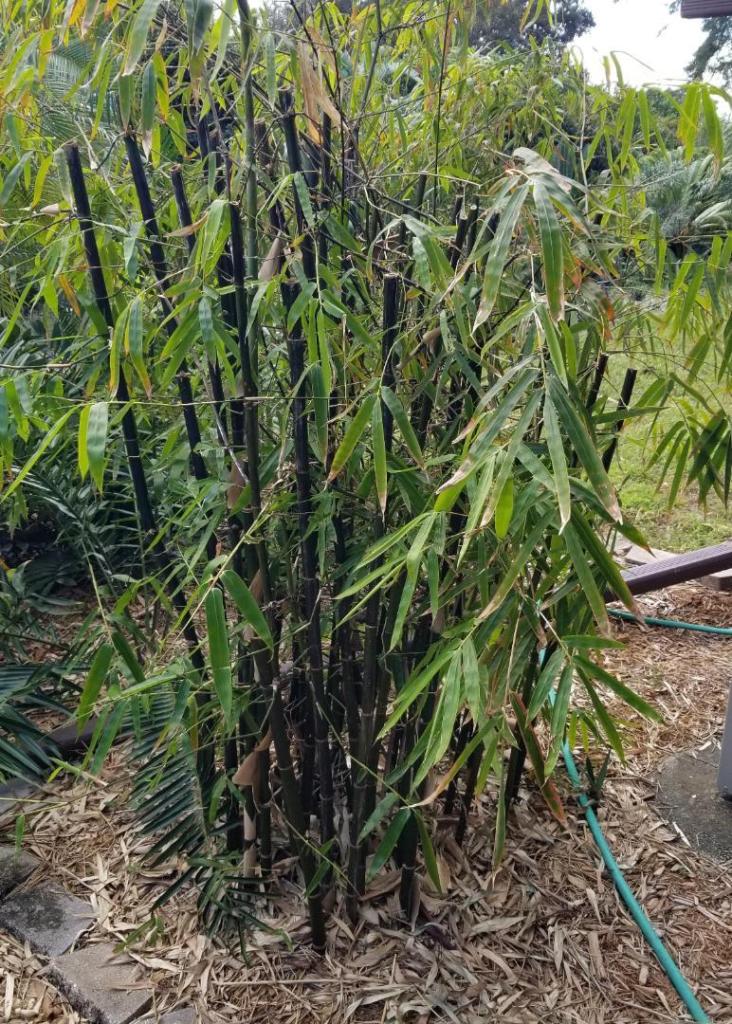

 2 points
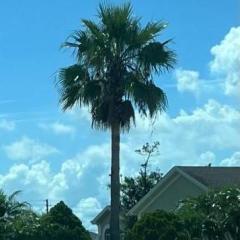 2 pointsI don't know how those palms survive there lol people in Albuquerque just know more about the palms in their yard and know its going to burn almost every year but they just cut all the dead fronds and there ya go! Though other people in other places iTs DeAd Just wait just wait ah look at that a new spear. How about that!2 points
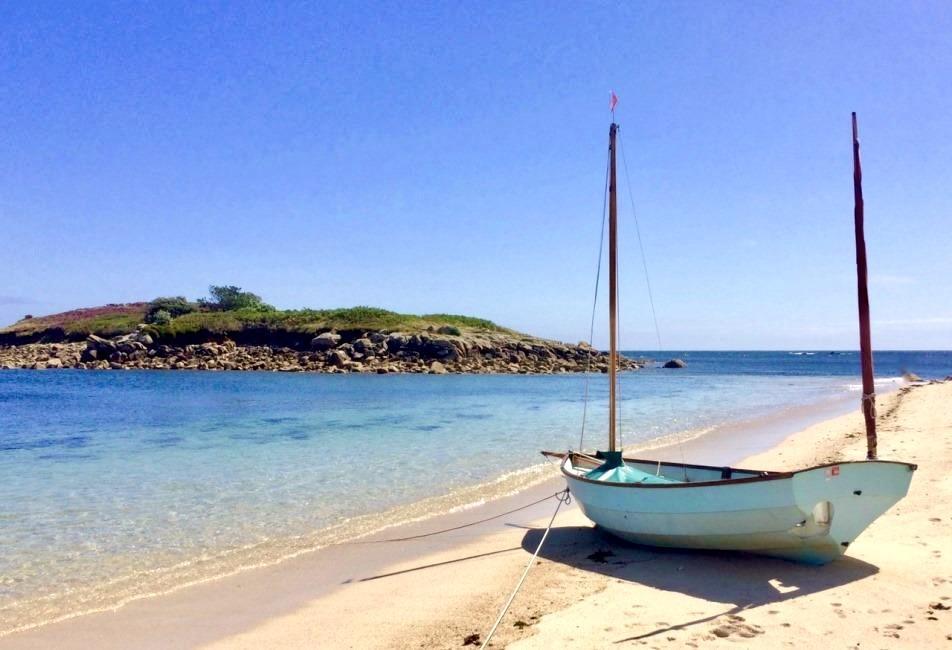
 @Foxpalms @gurugu The Isles of Scilly probably have 5 of the top 10 best UK beaches in my eyes. There are only a few others in mainland Cornwall and the western isles of Scotland that could maybe rival these. Even then, they probably still come up short against the top Isles of Scilly beaches. Tresco and St Martin's especially have several world class beaches each. Unfortunately my day-trip to the Isles of Scilly in September was very rushed due to several reasons that I won't go into, and I wasn't able to appreciate any beaches at all. Next time I visit the Scilly Isles, I will primarily focus on experiencing the idyllic beaches and crystal clear waters. Some of these are probably amongst the best beaches in all of Europe, specifically the top 5 below... 1.) Pentle Bay, Tresco (probably the best beach in the Isles of Scilly and one of the best in Europe) 2.) Par Beach, St Martin's (St Martin's probably edges Tresco for best beaches overall, and this is one of the best beaches in Europe). 3.) Ganilly Sandbar, eastern Isle chain (uninhabited) - can reach by boat or kayak from the east side of St Martin's... 4.) Great Bay and Little Bay, St Martin's 5.) Appletree Bay, Tresco 6.) Green Bay, Bryher (during low tide you can walk to Appletree Bay on Tresco). 7.) Horseshoe beach, Tean (uninhabited island) - can be reached by boat or Kayak from the west side of St Martin's. 8.) Pelistry Bay, St Mary's 9.) The Bar, St Agnes 10.) Bar split, Samson (uninhabited island) - can reach by boat from Bryher or Tresco Bonus - Porthmellon and Porthcressa beaches, St Mary's (both are immediately accessible after arriving on the ferry from Penzance). Here you can see all the beaches mapped that are worth visiting. Not all of them are shown above. The top 5 are must visits - Pentil Bay, Par Beach, Ganilly Sandbar, Great Bay/Little Bay and Appletree Bay. All 5 are viewable from Tresco and St Martin's.






.thumb.jpg.fa31fa926516582eec21e109ec384fdf.jpg)
.thumb.jpg.4f0cbb9465958c85c1f535fe653fcb3d.jpg)


.thumb.jpg.23ec7dfb0a29e745601b09dcf10c4f63.jpg)
.thumb.jpg.9007de6035467c859d6883bce4361ec5.jpg)
.jpg.89250afdac13878fd6bcec2fd8648999.jpg)
.thumb.jpg.0e6719a71b8facc4dc3c9649dea70234.jpg)


.thumb.jpg.f573ea47d57c816f045c17cb7feb8d7f.jpg)


.thumb.jpg.ecc38fe221775e70cf6609db0ed07bfb.jpg)


.jpg.16f90eac799c6efd8171f2c2dca15406.jpg)

.thumb.jpg.a8b183c87e103e62b84491e02bcc6ea6.jpg)

.thumb.jpg.0b6438a3b386e104ac69aeb99c3ee52e.jpg)


.jpg.b526dba4996d36b0e19be25481d07f18.jpg)
.thumb.jpg.77dd2a3bcd1563e3da5b9dff3f27ee5c.jpg)

.thumb.jpg.f8137daeae8760ec8b543155cb114ebb.jpg) 2 points
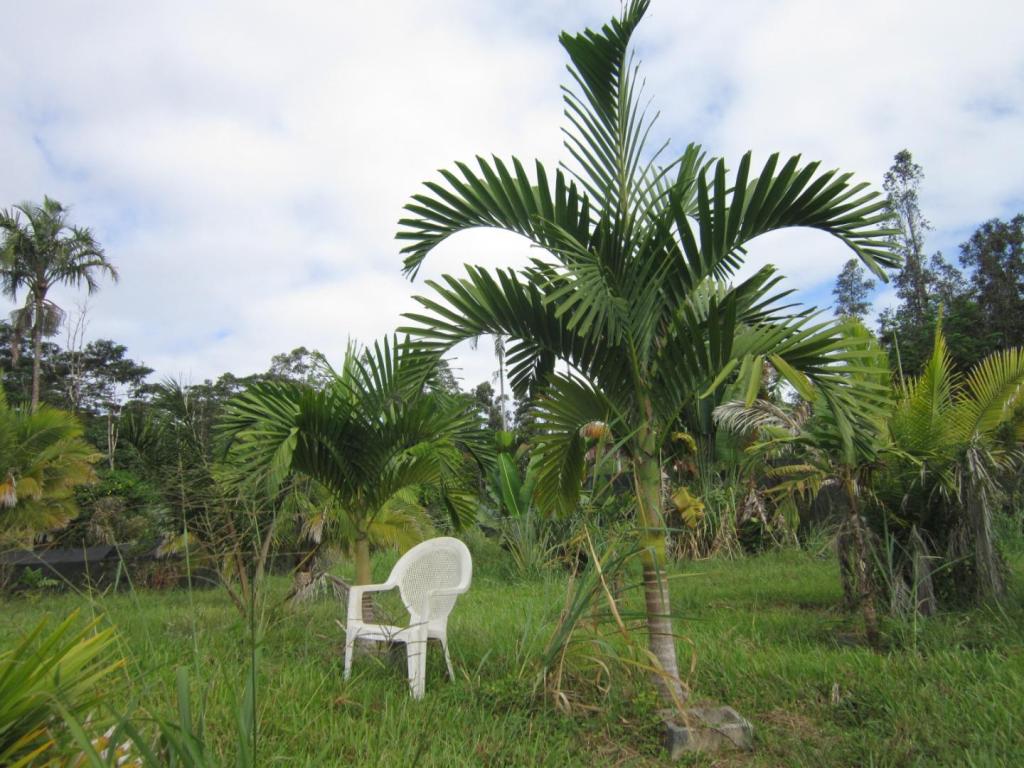
2 points 2 pointsWith all my BI palm colleagues contributing to this topic, I just had to enter my own documentation. Purchased two as foot-tall seedlings in July 2019, planted out in May 2020. They have grown like rockets. Here they are today, lawn chair for scale.
 2 points
I remember that Patric told me that Dick Dougla's famous Butia odorata x Jubaea wasn't able to pollinate itself (steril pollen). This being hybrids of another butia species and also 3 different plants....maybe another story.2 points
Yes the date is correct dated from the day of sowing. Here’s my one in the garden 23 years old iam sure a tropical climate they would grow much faster. Richard
2 points
2 points
I remember that Patric told me that Dick Dougla's famous Butia odorata x Jubaea wasn't able to pollinate itself (steril pollen). This being hybrids of another butia species and also 3 different plants....maybe another story.2 points
Yes the date is correct dated from the day of sowing. Here’s my one in the garden 23 years old iam sure a tropical climate they would grow much faster. Richard
 1 point
Here’s a couple of Lancelota seedlings I have if it helps better I’d them. Plus an oliverformis I have in the garden. They do look like archontophoenix purpurea.
1 point
1 pointHere’s a couple of Lancelota seedlings I have if it helps better I’d them. Plus an oliverformis I have in the garden. They do look like archontophoenix purpurea.
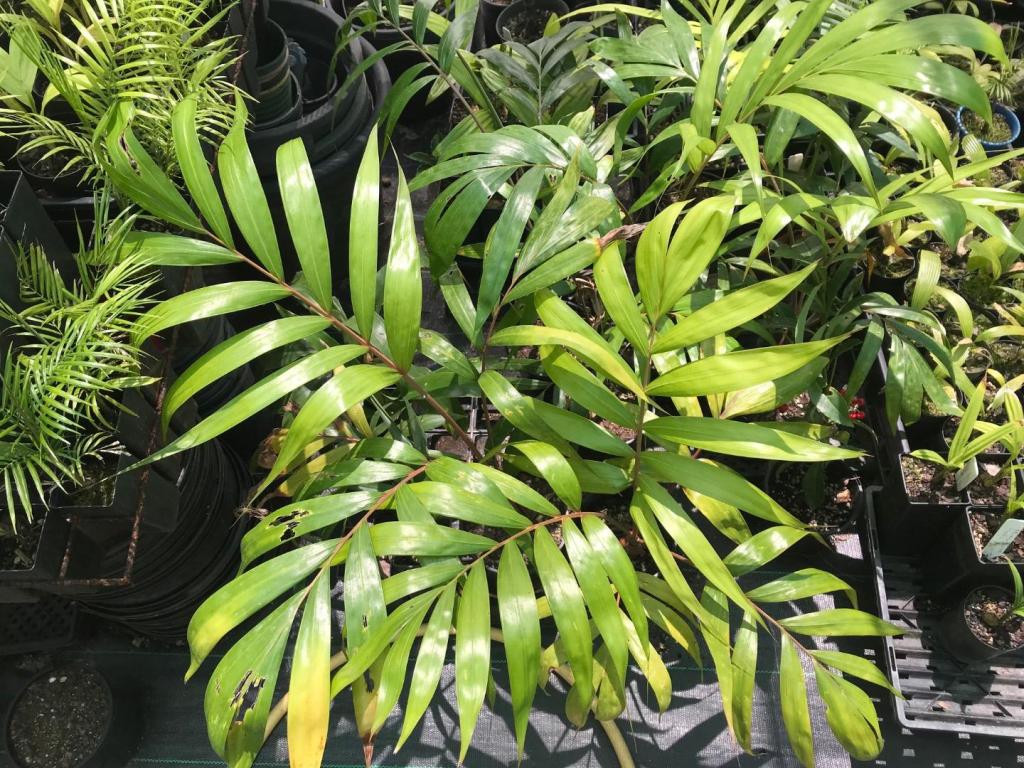
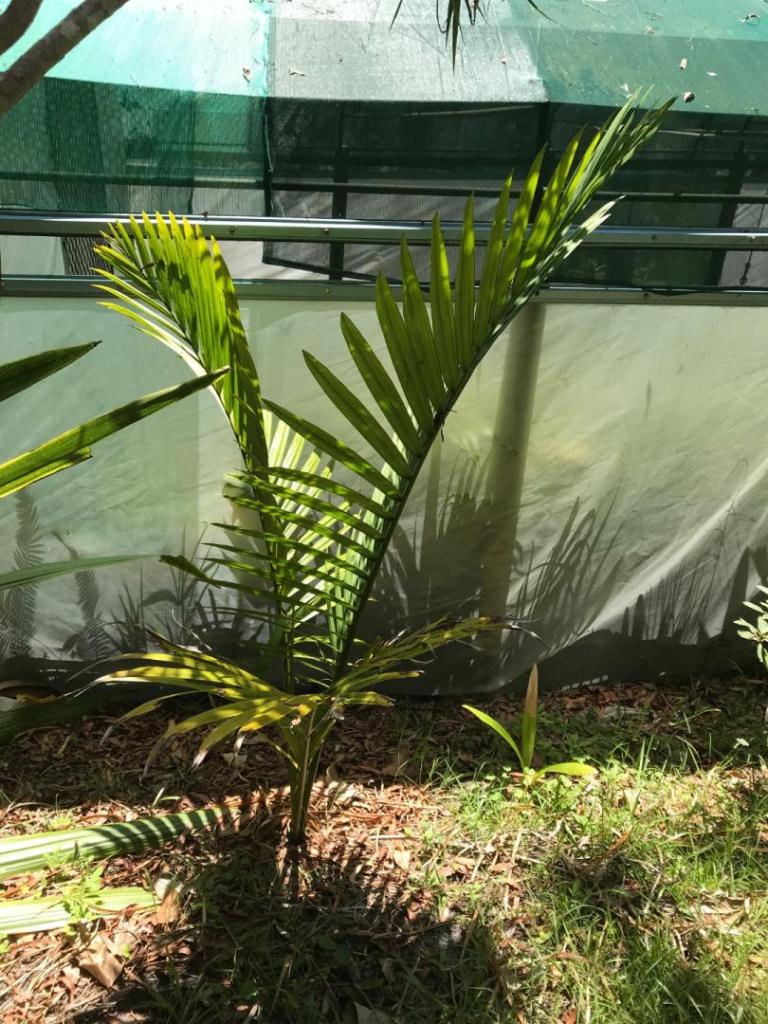 1 point
A couple of my favourite pictures over time. I like photography iam always looking for the photo that seems to capture the moment. Sometimes you get it other times it’s not really what the eye sees. Different times of the season and light can give you a completely different picture.
1 point
1 pointA couple of my favourite pictures over time. I like photography iam always looking for the photo that seems to capture the moment. Sometimes you get it other times it’s not really what the eye sees. Different times of the season and light can give you a completely different picture.


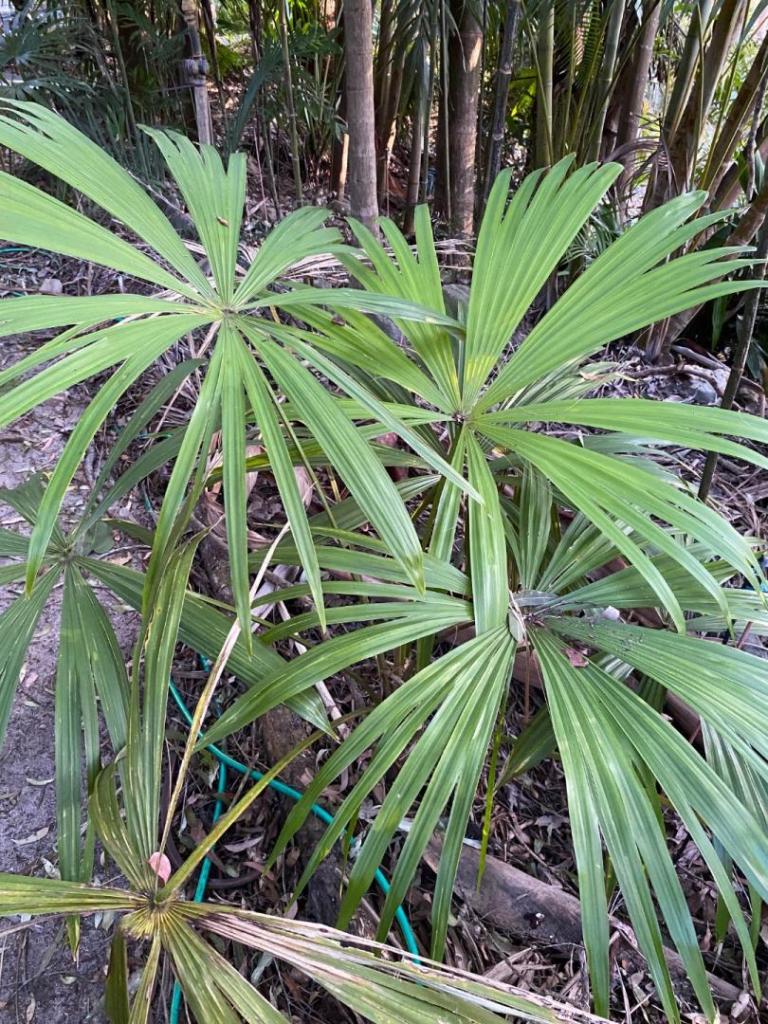
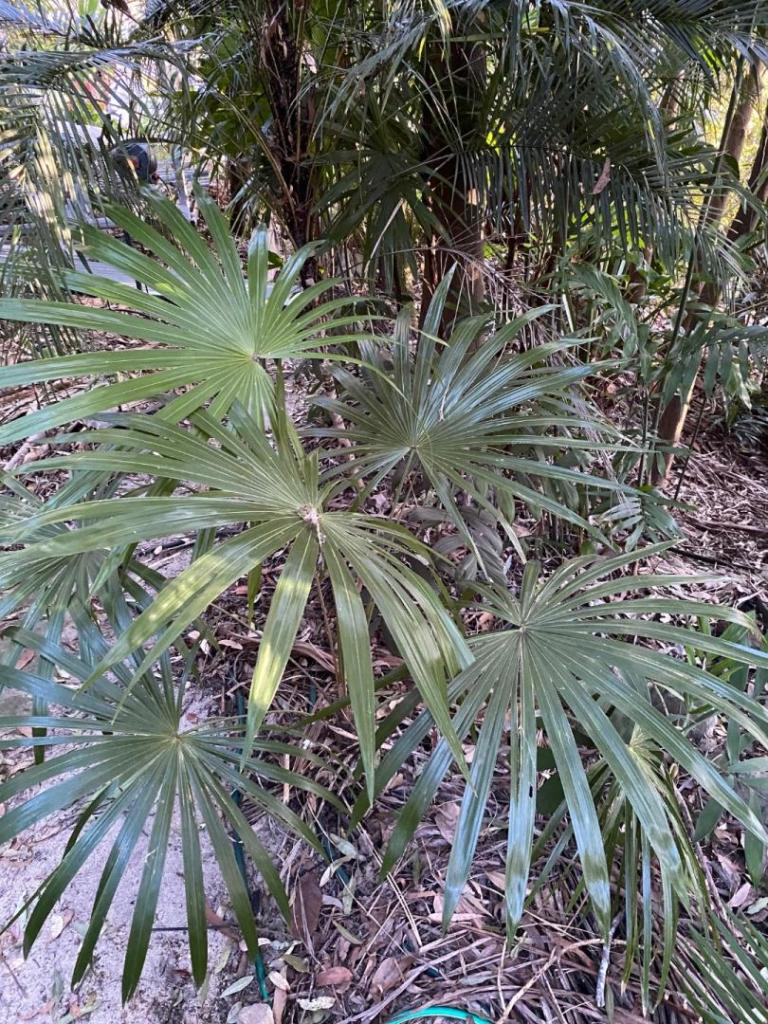


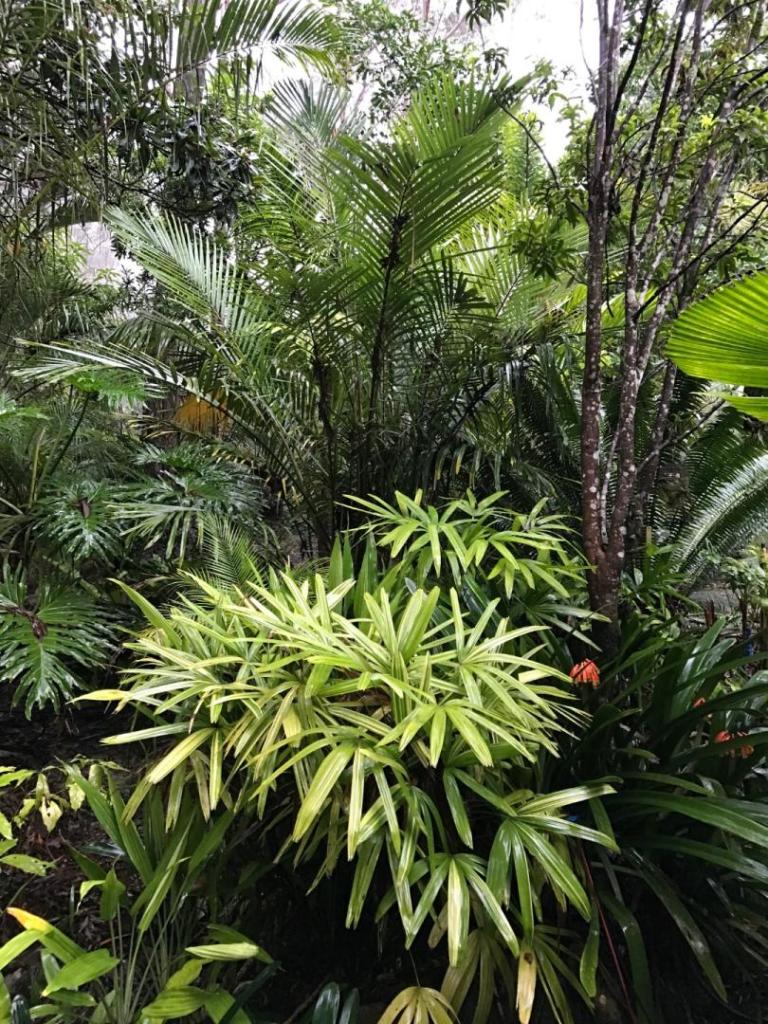


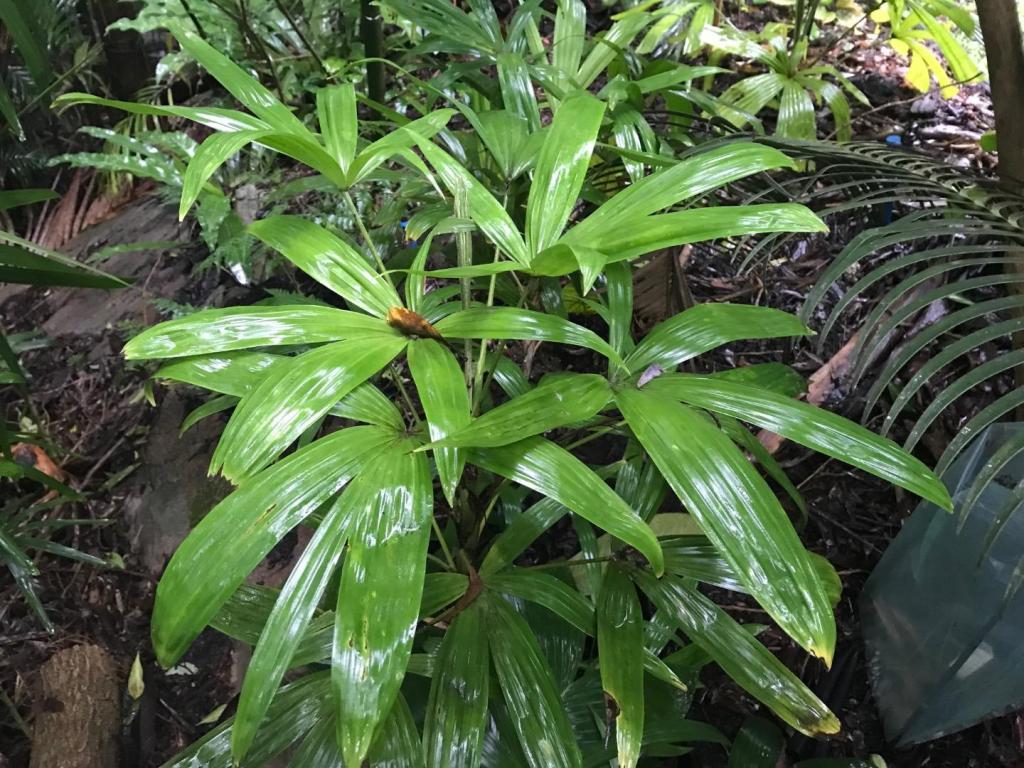


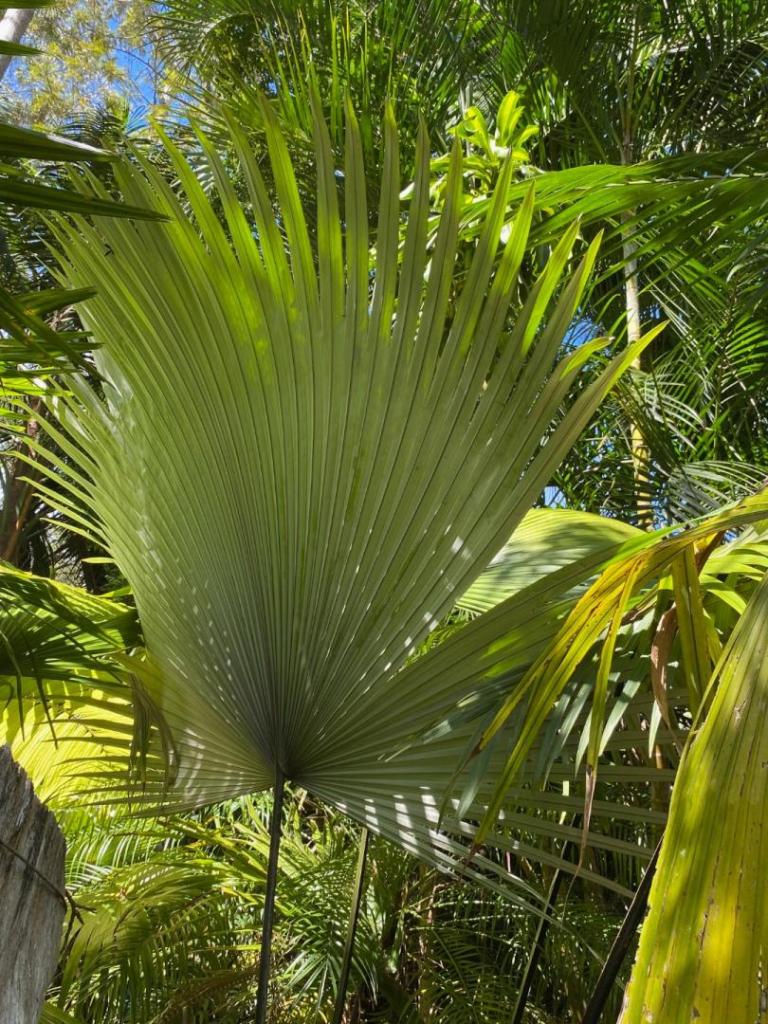


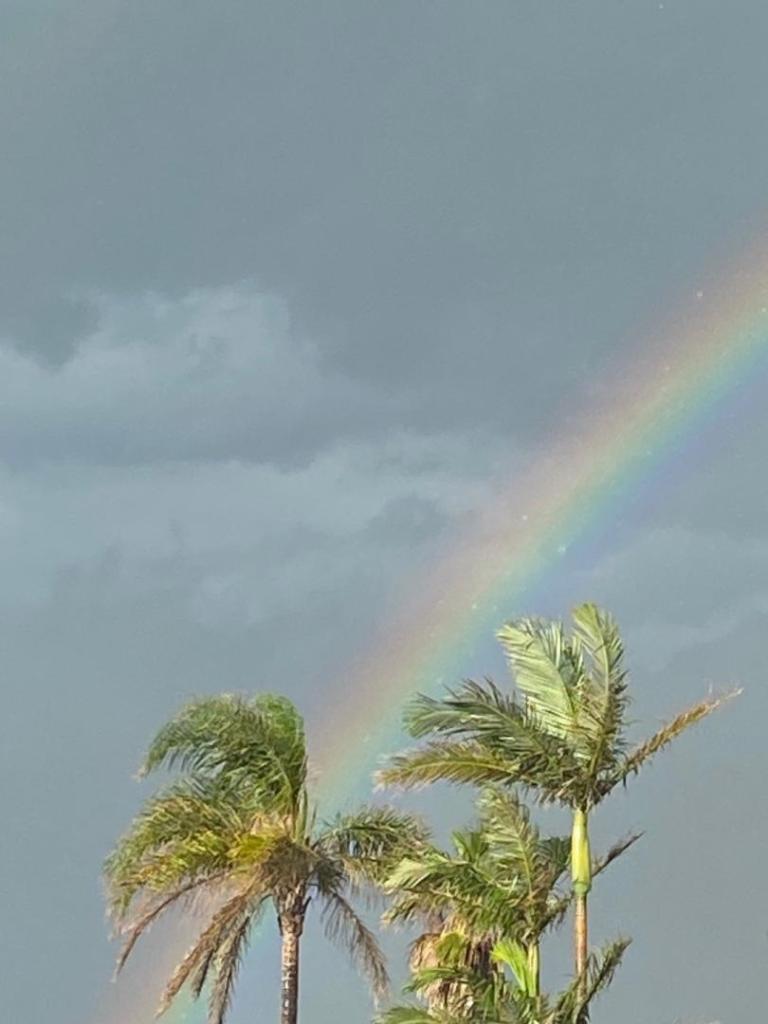 1 point
.jpg.0cf735c7525858af1582442942bc68e8.thumb.jpg.894f59a749fff01eb286c1fe4a50ab62.jpg) 1 pointI didn't know you could grow a lipstick palm there. I love the colours but they get so messy when they clump. My old garden has been really knocked around since I left. Peachy1 point
1 pointI didn't know you could grow a lipstick palm there. I love the colours but they get so messy when they clump. My old garden has been really knocked around since I left. Peachy1 point 1 point
Ya know just for fun Ima try and buy a mule palm and try and winter protect it for a few years i think it will be a cool experiment! maybe get it off of jungle music or off eBay like you did I don't know ha-ha.1 point
1 point
Ya know just for fun Ima try and buy a mule palm and try and winter protect it for a few years i think it will be a cool experiment! maybe get it off of jungle music or off eBay like you did I don't know ha-ha.1 point Hey everyone, Thanks for your interest! I’ll be shipping the seeds out on Wednesday. Seed price: $20 for 50 seeds or $30 for 100 seeds. Inquire for price on larger quantities. For those in the U.S. lower 48, here are your shipping options: USPS Ground Advantage: $6.50 (for 200 seeds or less) USPS Priority Mail: $11.00 (for 200 seeds or less) Please note, I’m only offering shipping within the U.S. lower 48. If you’re requesting larger quantities of seeds, shipping costs may increase slightly due to weight. If you’d like seeds, please send me a direct message with your full name and shipping address. I accept Zelle (DM me for payment details). Kindly remit payment by Tuesday, as I’ll be shipping on Wednesday. After Wednesday, any leftover seeds will be planted and no longer available. Feel free to reach out if you have any questions. Thanks again! Best, Randy1 point
1 point
Hey everyone, Thanks for your interest! I’ll be shipping the seeds out on Wednesday. Seed price: $20 for 50 seeds or $30 for 100 seeds. Inquire for price on larger quantities. For those in the U.S. lower 48, here are your shipping options: USPS Ground Advantage: $6.50 (for 200 seeds or less) USPS Priority Mail: $11.00 (for 200 seeds or less) Please note, I’m only offering shipping within the U.S. lower 48. If you’re requesting larger quantities of seeds, shipping costs may increase slightly due to weight. If you’d like seeds, please send me a direct message with your full name and shipping address. I accept Zelle (DM me for payment details). Kindly remit payment by Tuesday, as I’ll be shipping on Wednesday. After Wednesday, any leftover seeds will be planted and no longer available. Feel free to reach out if you have any questions. Thanks again! Best, Randy1 point
1 point Concluding statement from an exhaustive 2024 research article: “In summary, pollination in palms is extremely complex and we still know little about it.” https://www.researchgate.net/publication/381618035_Pollination_Systems_of_Palms_Arecaceae/fulltext/6679aecc1846ca33b84f7f59/Pollination-Systems-of-Palms-Arecaceae.pdf?origin=publication_detail&_tp=eyJjb250ZXh0Ijp7ImZpcnN0UGFnZSI6InB1YmxpY2F0aW9uIiwicGFnZSI6InB1YmxpY2F0aW9uRG93bmxvYWQiLCJwcmV2aW91c1BhZ2UiOiJwdWJsaWNhdGlvbiJ9fQ Stepping back, in the case of the ‘Mule Palm’, I wonder how the mother Butia palm is able to select for its own pollen vs. copious amounts from the related genera Syagrus? As far back as the 1950’s it was established that 5% hybrids/95% non-hybrids was all that will naturally occur: ”… it was apparent that about 5% were different. The original seed came from a street planting in Leesburg [FL] that was heavily planted in Arecastrum and Butia palms. Seed was also gathered from other adjacent counties where the two species grew in close proximity. Ross Lafler made hand pollinations by tying the Arecastrum inflorescence to that of Butia. He placed bee hives under the trees, as well as other methods of producing seed, but was never able to get over 5% hybrids. Butia was always used as the maternal plant;” But most of the article linked above is about the variety of insects that pollenate specific genera/species and how even something like timing of initial flower anthesis (morning vs. ‘nocturnal’) impacts that: “Syagrus may be one of the few examples where the shift between bee and beetle pollination has occurred within the same genus, a shift usually found between genera. This can be seen by comparing two species, S. orinocensis (Nuñez & Carreño-Barrera 2017) and S. smithii (Guerrero- Olaya & Núñez 2017). Both species occur in eastern Colombia and are very similar to one another in inflorescence and flower morphology. Their inflorescence development is almost identical. Syagrus orinocensis has 8–16 days of staminate anthesis, an eight day inter-anthesis period, and 2– 3 days of pistillate anthesis; S. smithii has 14 days, 10 days, and four days, respectively. However, there is one significant difference. Flowers of S. orinocensis open early in the morning and so have diurnal anthesis, those of S. smithii open in the late afternoon and so have nocturnal anthesis. Given the similarity in insect visitors to the two species, especially Curculionidae, Nitidulidae, and Hymenoptera, and the difference in anthesis, it is inevitable that S. orinocensis is pollinated predominantly by bees and S. smithii by beetles. Nuñez & Carreño-Barrera (2017) designated the 43 species of insect visitors to S. orinocensis inflorescences into groups based on their behaviour. Twelve species of meliponid bees were designated as principal or co-pollinators and five species of Curculionidae were designated co- pollinators. For S. smithii, of the 37 species of insect visitor, two species of Nitidulidae (Mystrops spp.) were designated as principal pollinators, but not any Hymenoptera. Syagrus inajai, S. orinocensis, S. sancona, and S. smithii are all in the same clade (Ferreira et al. in prep.). If the basal species in this clade, S. sancona, is presumed to be beetle-pollinated (Guerrero- Olaya et al. 2018), then at least one shift can be inferred from beetle pollination to bee pollination. This shift in pollinators is associated with a change in the time of anthesis, from diurnal to nocturnal. Diurnal anthesis is often associated with nectar production (as in pistillate flowers of S. orinocensis) and nocturnal anthesis associated with no nectar production and temperature elevation (as in S. inajai).“ Eccl. 3:11, Berean Standard Bible: “He has made everything beautiful in its time. He has also set eternity in the hearts of men, yet they cannot fathom the work that God has done from beginning to end.”1 point
Really interesting stuff. Since I have tried many hybridization in the past, some were easy and others didn't work. For example: Syagrus inajai didn' t produce any seeds and S. glaucescens produced viable seeds when B. eriospatha flowers were pollinated.....1 point
1 pointReally interesting to read your experiences with all this Crysalidocarpus ( Dypsis) decipiens hybrids. I have mature D. decipiens, D.onilahensis and D. baronii and also a not flowering Dypsis Bef . I think all will make good candidates to try a hybridisation with D. decipiens....1 point
Concluding statement from an exhaustive 2024 research article: “In summary, pollination in palms is extremely complex and we still know little about it.” https://www.researchgate.net/publication/381618035_Pollination_Systems_of_Palms_Arecaceae/fulltext/6679aecc1846ca33b84f7f59/Pollination-Systems-of-Palms-Arecaceae.pdf?origin=publication_detail&_tp=eyJjb250ZXh0Ijp7ImZpcnN0UGFnZSI6InB1YmxpY2F0aW9uIiwicGFnZSI6InB1YmxpY2F0aW9uRG93bmxvYWQiLCJwcmV2aW91c1BhZ2UiOiJwdWJsaWNhdGlvbiJ9fQ Stepping back, in the case of the ‘Mule Palm’, I wonder how the mother Butia palm is able to select for its own pollen vs. copious amounts from the related genera Syagrus? As far back as the 1950’s it was established that 5% hybrids/95% non-hybrids was all that will naturally occur: ”… it was apparent that about 5% were different. The original seed came from a street planting in Leesburg [FL] that was heavily planted in Arecastrum and Butia palms. Seed was also gathered from other adjacent counties where the two species grew in close proximity. Ross Lafler made hand pollinations by tying the Arecastrum inflorescence to that of Butia. He placed bee hives under the trees, as well as other methods of producing seed, but was never able to get over 5% hybrids. Butia was always used as the maternal plant;” But most of the article linked above is about the variety of insects that pollenate specific genera/species and how even something like timing of initial flower anthesis (morning vs. ‘nocturnal’) impacts that: “Syagrus may be one of the few examples where the shift between bee and beetle pollination has occurred within the same genus, a shift usually found between genera. This can be seen by comparing two species, S. orinocensis (Nuñez & Carreño-Barrera 2017) and S. smithii (Guerrero- Olaya & Núñez 2017). Both species occur in eastern Colombia and are very similar to one another in inflorescence and flower morphology. Their inflorescence development is almost identical. Syagrus orinocensis has 8–16 days of staminate anthesis, an eight day inter-anthesis period, and 2– 3 days of pistillate anthesis; S. smithii has 14 days, 10 days, and four days, respectively. However, there is one significant difference. Flowers of S. orinocensis open early in the morning and so have diurnal anthesis, those of S. smithii open in the late afternoon and so have nocturnal anthesis. Given the similarity in insect visitors to the two species, especially Curculionidae, Nitidulidae, and Hymenoptera, and the difference in anthesis, it is inevitable that S. orinocensis is pollinated predominantly by bees and S. smithii by beetles. Nuñez & Carreño-Barrera (2017) designated the 43 species of insect visitors to S. orinocensis inflorescences into groups based on their behaviour. Twelve species of meliponid bees were designated as principal or co-pollinators and five species of Curculionidae were designated co- pollinators. For S. smithii, of the 37 species of insect visitor, two species of Nitidulidae (Mystrops spp.) were designated as principal pollinators, but not any Hymenoptera. Syagrus inajai, S. orinocensis, S. sancona, and S. smithii are all in the same clade (Ferreira et al. in prep.). If the basal species in this clade, S. sancona, is presumed to be beetle-pollinated (Guerrero- Olaya et al. 2018), then at least one shift can be inferred from beetle pollination to bee pollination. This shift in pollinators is associated with a change in the time of anthesis, from diurnal to nocturnal. Diurnal anthesis is often associated with nectar production (as in pistillate flowers of S. orinocensis) and nocturnal anthesis associated with no nectar production and temperature elevation (as in S. inajai).“ Eccl. 3:11, Berean Standard Bible: “He has made everything beautiful in its time. He has also set eternity in the hearts of men, yet they cannot fathom the work that God has done from beginning to end.”1 point
Really interesting stuff. Since I have tried many hybridization in the past, some were easy and others didn't work. For example: Syagrus inajai didn' t produce any seeds and S. glaucescens produced viable seeds when B. eriospatha flowers were pollinated.....1 point
1 pointReally interesting to read your experiences with all this Crysalidocarpus ( Dypsis) decipiens hybrids. I have mature D. decipiens, D.onilahensis and D. baronii and also a not flowering Dypsis Bef . I think all will make good candidates to try a hybridisation with D. decipiens....1 point 1 pointHey Jason, I’ve got a few seedlings coming up, I’ll check them this morning and how they are doing. Happy to give you a couple if you’re not in a big hurry. Tim1 point
 Chrysalidocarpus (pembanus x decaryi) x decaryi getting some good color! The three seedlings in this particular grex are HIGHLY variable!
 1 point
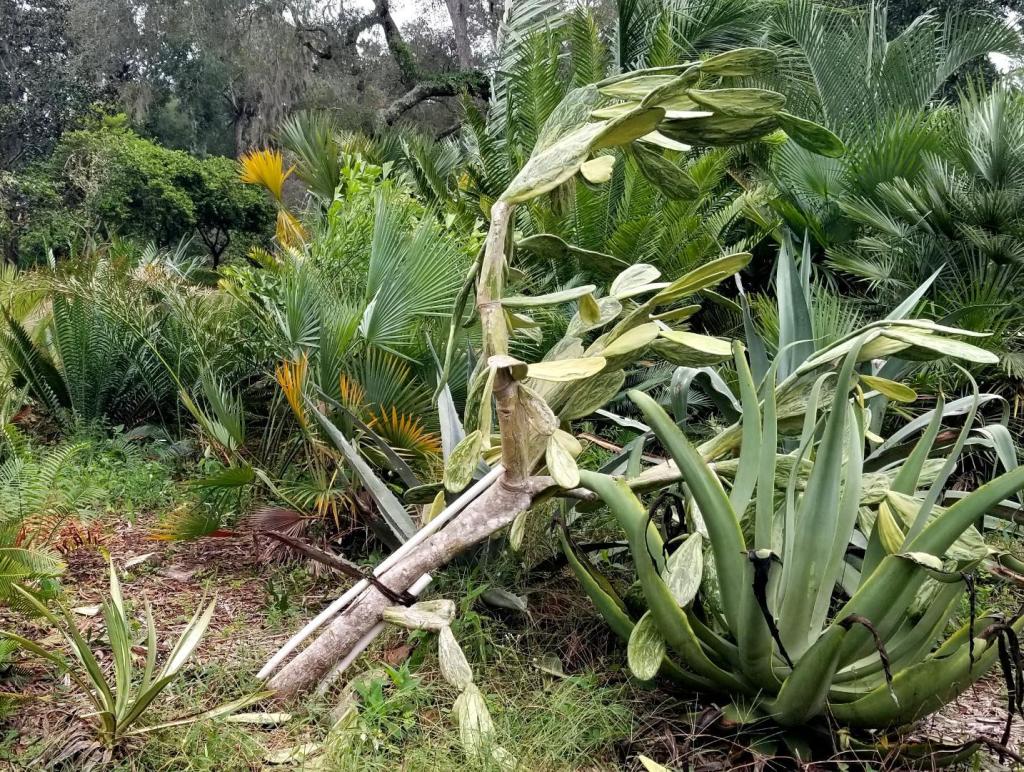
"Tiger Grass" aka Thysanolaena Maxima is definitely NOT hurricane hardy. But it didn't seem to damage anything nearby, so I think the winds just ripped the big leaves and skinny culms to pieces. The original shape and size of the cluster is sketched in red: I was planning on moving it anyway, because it's crowding the 3-4' tall Alfredii triple just below it. I just haven't figured out a suitable spot yet... Underneath the Ficus Auriculata branch is a pair of Rev x Debaoensis, a Rev x Diannanensis, and a Pseudophoenix Sargentii v. Navassana...all surprisingly undamaged except for a few tattered leaves: And my unhappy cactus tree. Clearly a couple of PVC pipes were not enough to keep this one upright!
1 point
"Tiger Grass" aka Thysanolaena Maxima is definitely NOT hurricane hardy. But it didn't seem to damage anything nearby, so I think the winds just ripped the big leaves and skinny culms to pieces. The original shape and size of the cluster is sketched in red: I was planning on moving it anyway, because it's crowding the 3-4' tall Alfredii triple just below it. I just haven't figured out a suitable spot yet... Underneath the Ficus Auriculata branch is a pair of Rev x Debaoensis, a Rev x Diannanensis, and a Pseudophoenix Sargentii v. Navassana...all surprisingly undamaged except for a few tattered leaves: And my unhappy cactus tree. Clearly a couple of PVC pipes were not enough to keep this one upright!

 1 point
No significant damage here from hurricane Milton. We lost power from about 10:30PM and it came back on around 6PM the next day. According to some maps we saw peak gusts around 80mph on the back side after the eye was leaving Melbourne, and roughly 10 inches of rain. My Alfredii were fine with the wind after my "hurricane cut" and only moderate winds. One big 15' tall branch of Ficus Auriculata fall over on some other stuff, but only did minor damage. One trunk of Caryota Mitis fell and just missed three cycads. My transplanted Jubaea x Butia fell over and had to be replanted and staked. My Elaeis Guineensis "Idolatrica" aka "Whole Leaf" form got a 45 degree angle tilt and I staked it back up. See photo below. A cactus fell over in my agave bed. A bunch of new bamboo shoots were broken off. The "Tiger Grass" was shredded. I'm glad I did some pre-hurricane cuts. Obviously there's no way to know how much it helped. My neighbors got ridiculously lucky again. About 5 or 6 years ago one of their 80' tall water oaks fell. I watched it from my dining room sway back and forth. When it snapped it was falling directly towards their house when it got hit by a HUGE gust of wind...and redirected it onto the road. This one was about as big and also fell directly away from their house and into the road: The Elaeis seemed pretty sturdy, I think it just had a lot of rain and the big solid leaves made a really good sail: I finished chopping down the last two Queens in my yard: And broke another blade on the last cut:
1 point
No significant damage here from hurricane Milton. We lost power from about 10:30PM and it came back on around 6PM the next day. According to some maps we saw peak gusts around 80mph on the back side after the eye was leaving Melbourne, and roughly 10 inches of rain. My Alfredii were fine with the wind after my "hurricane cut" and only moderate winds. One big 15' tall branch of Ficus Auriculata fall over on some other stuff, but only did minor damage. One trunk of Caryota Mitis fell and just missed three cycads. My transplanted Jubaea x Butia fell over and had to be replanted and staked. My Elaeis Guineensis "Idolatrica" aka "Whole Leaf" form got a 45 degree angle tilt and I staked it back up. See photo below. A cactus fell over in my agave bed. A bunch of new bamboo shoots were broken off. The "Tiger Grass" was shredded. I'm glad I did some pre-hurricane cuts. Obviously there's no way to know how much it helped. My neighbors got ridiculously lucky again. About 5 or 6 years ago one of their 80' tall water oaks fell. I watched it from my dining room sway back and forth. When it snapped it was falling directly towards their house when it got hit by a HUGE gust of wind...and redirected it onto the road. This one was about as big and also fell directly away from their house and into the road: The Elaeis seemed pretty sturdy, I think it just had a lot of rain and the big solid leaves made a really good sail: I finished chopping down the last two Queens in my yard: And broke another blade on the last cut: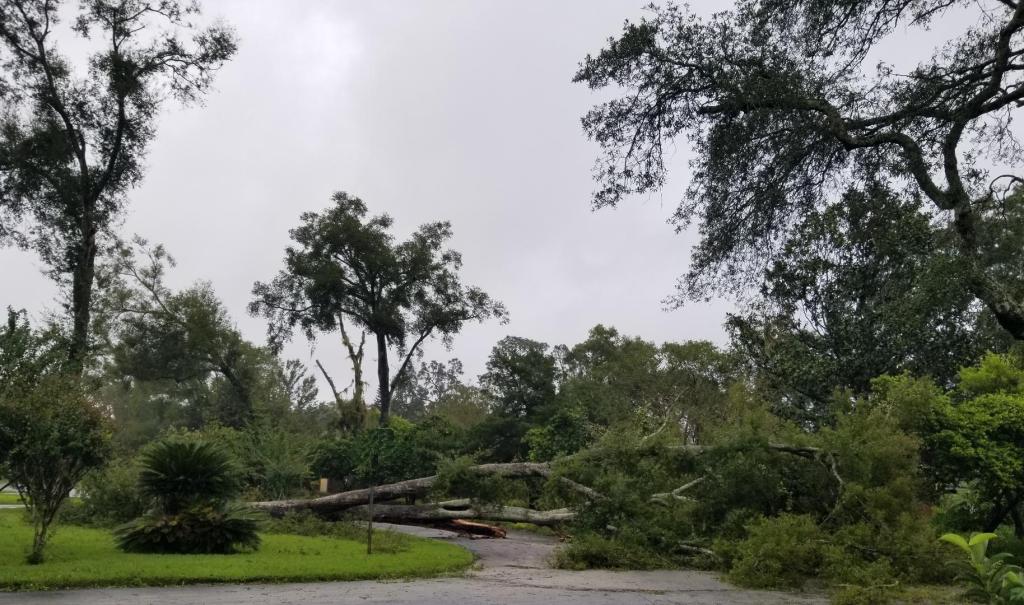

 1 point
1 point
1 point






























.jpg.484c21608816c46887f6062838ea6170.jpg)
.jpg.454052de3ea7e5b731b7967302136105.jpg)


.jpg.08e66a7b4d16dbf029bef12c1f6081a4.jpg)
.jpg.c6b8b52ac357d1972b415dd79f8862fc.jpg)
.jpg.8dad9c8033d936f73f1122dbb9fa17f7.jpg)



.jpg.fd71c6450321df10f11b04bdb215e014.jpg)

.jpg.4b6ca410632c560f89b6a9ff265dda08.jpg)


.jpg.678d526a1d836448d0fdb5dc13d4df2a.jpg)

.jpg.79f20f24d4d172122b98a9f419922246.jpg)

.jpg.02e852b82483938fceba69d46d07c369.jpg)

.jpg.309209fa4afe59fea4dd1a312918a131.jpg)


















Account
Navigation
Configure browser push notifications
Chrome (Android)
- Tap the lock icon next to the address bar.
- Tap Permissions → Notifications.
- Adjust your preference.
Chrome (Desktop)
- Click the padlock icon in the address bar.
- Select Site settings.
- Find Notifications and adjust your preference.
Safari (iOS 16.4+)
- Ensure the site is installed via Add to Home Screen.
- Open Settings App → Notifications.
- Find your app name and adjust your preference.
Safari (macOS)
- Go to Safari → Preferences.
- Click the Websites tab.
- Select Notifications in the sidebar.
- Find this website and adjust your preference.
Edge (Android)
- Tap the lock icon next to the address bar.
- Tap Permissions.
- Find Notifications and adjust your preference.
Edge (Desktop)
- Click the padlock icon in the address bar.
- Click Permissions for this site.
- Find Notifications and adjust your preference.
Firefox (Android)
- Go to Settings → Site permissions.
- Tap Notifications.
- Find this site in the list and adjust your preference.
Firefox (Desktop)
- Open Firefox Settings.
- Search for Notifications.
- Find this site in the list and adjust your preference.